Studio + Listing
Explore Studio and Listing before you choose.
Try the screenshot editor, compare real saved search results, and explore a complete Listing workspace. All demos are free, with no account required.
Explore Listing with four example apps.
See how Listing supports an unpublished app, a recent launch, and established products. Each tour includes search research, store-page drafts, test records, and sources.
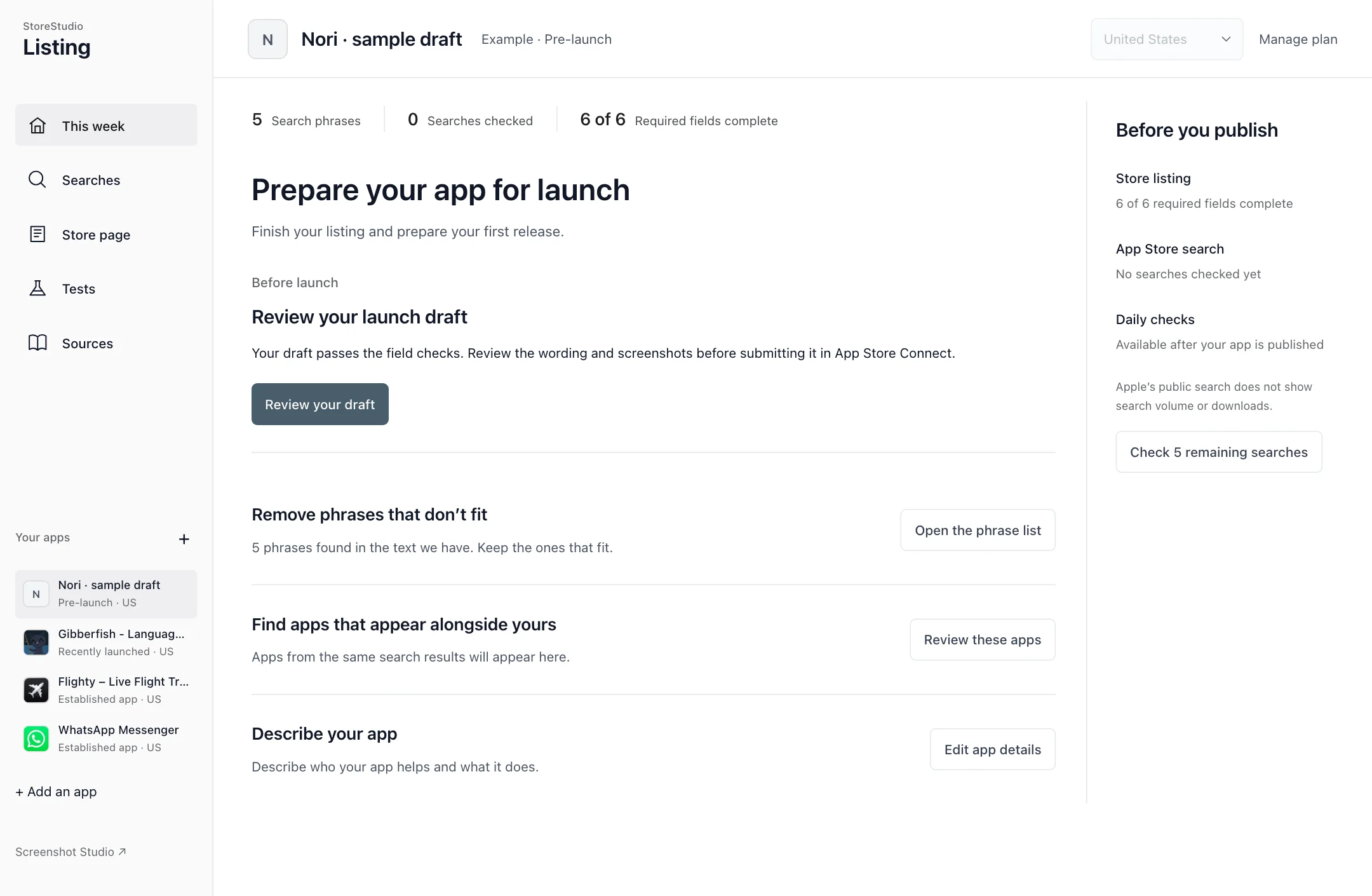
Before launch · Recorded tour
Nori →
An unpublished sample app. Start with a draft, check the fields, and plan the first release.
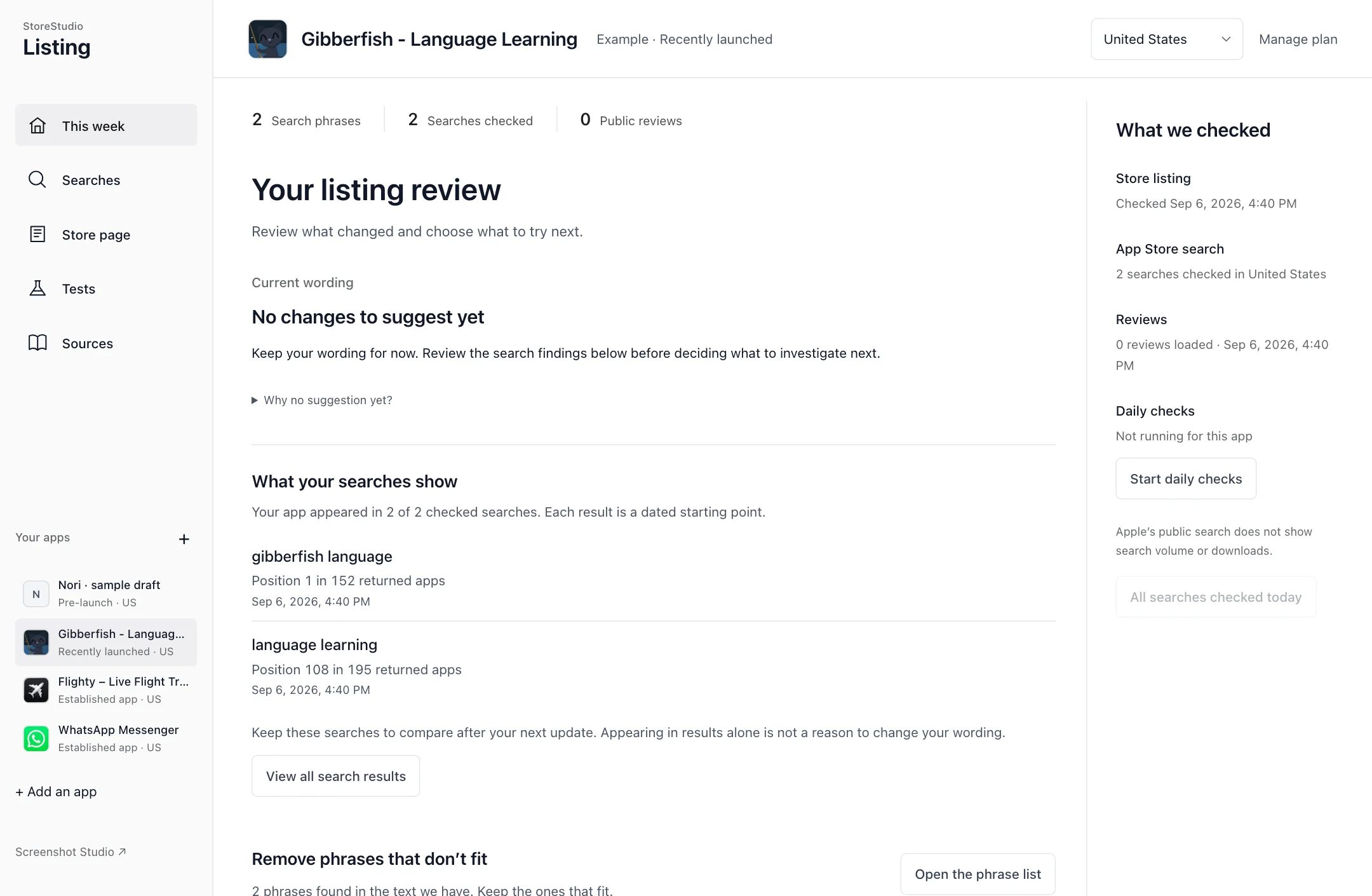
Recently launched · Recorded tour
Gibberfish →
A language-learning app with early search results and no public reviews in the saved response.
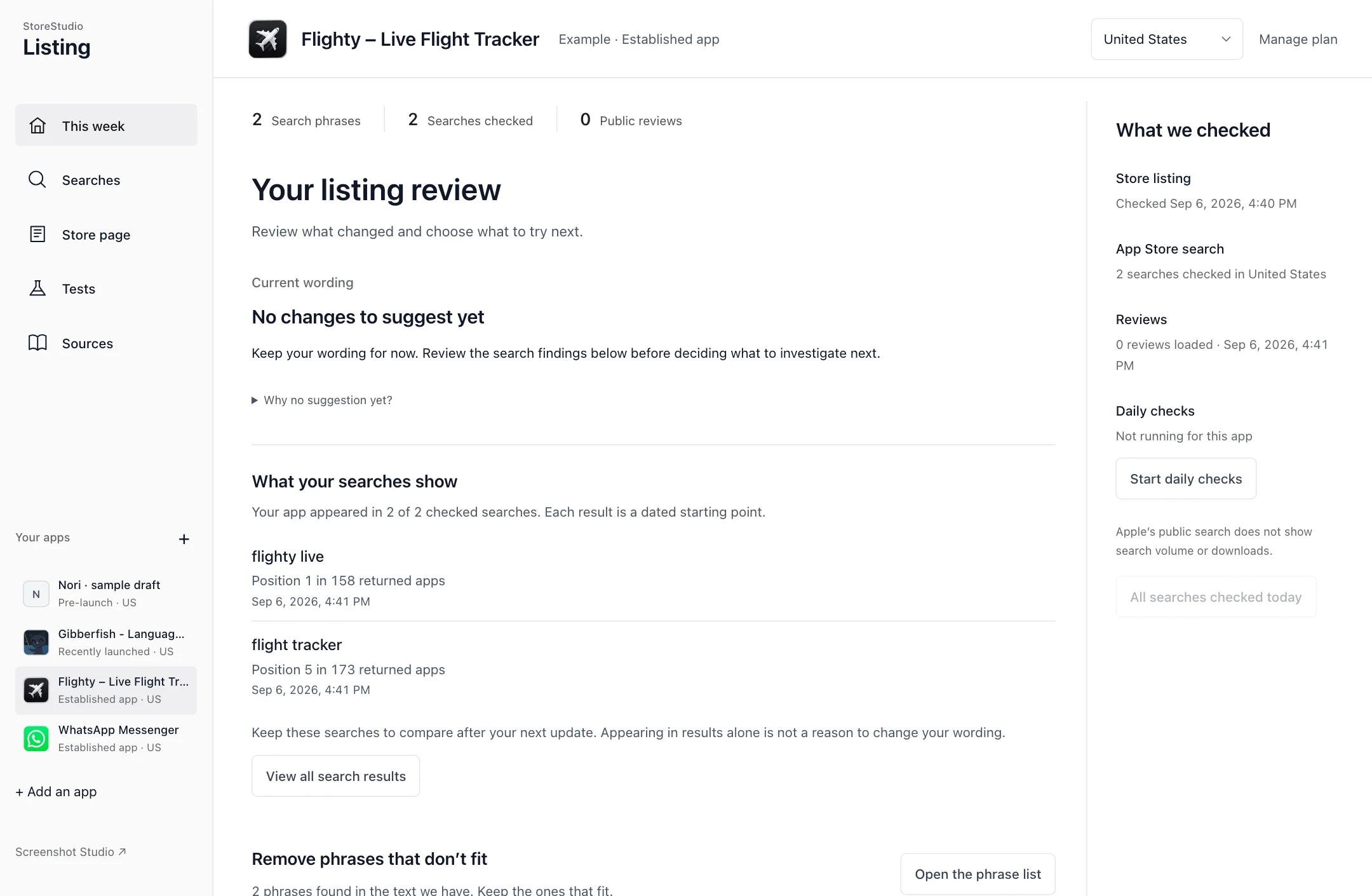
Established app · Recorded tour
Flighty →
A flight tracker. Explore its public listing alongside the saved results for feature searches.
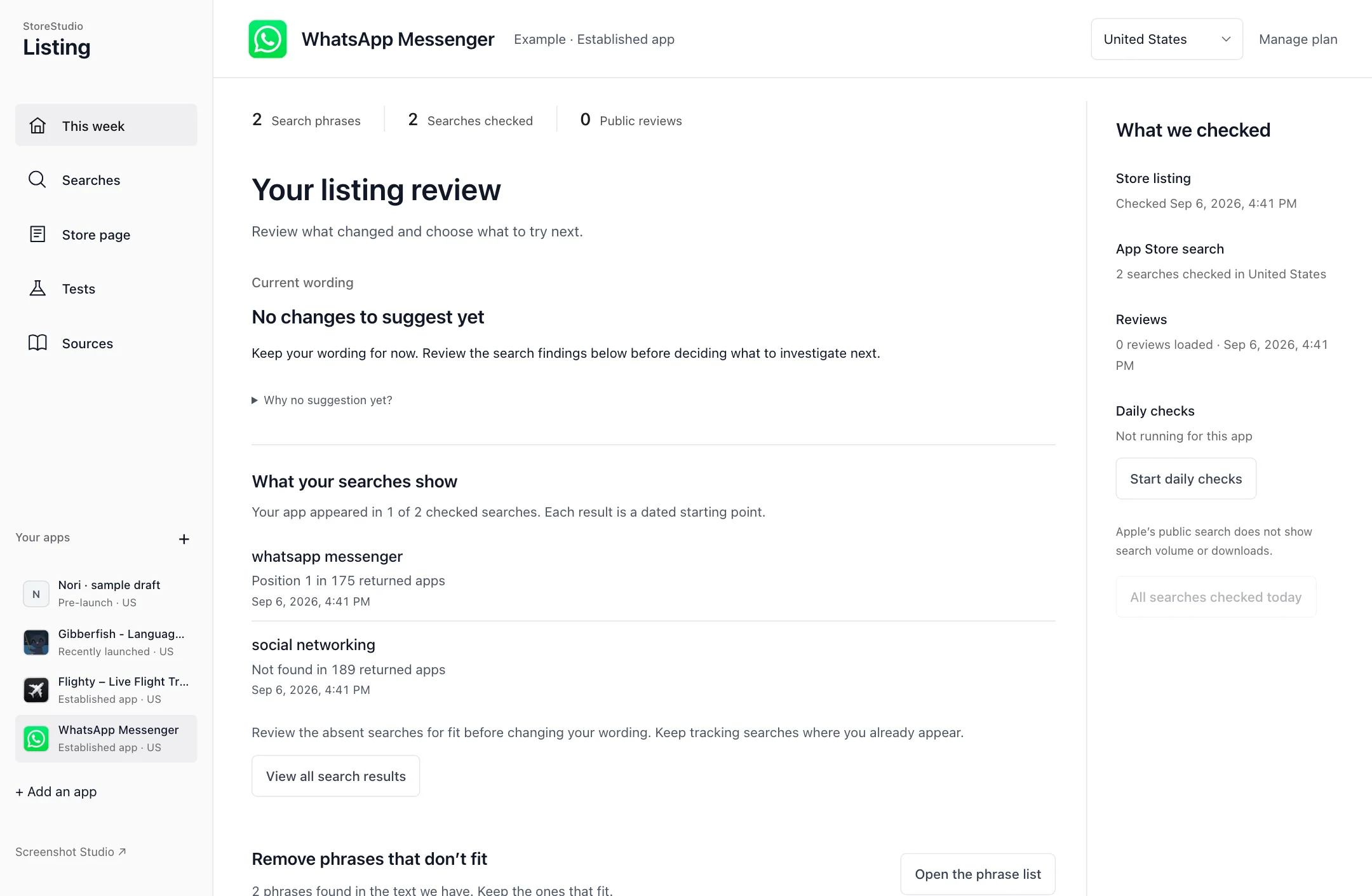
Established app · Recorded tour
WhatsApp →
A messaging app. See how branded and feature searches give different context for a listing.
Nori is an invented sample draft. Gibberfish, Flighty, and WhatsApp use public Apple data from the US storefront, checked 6 September 2026. Their inclusion is not an endorsement.
Try the editor and explore what it can make.
Customize a slide in the live editor, or explore examples of pop-outs, connected slides, and translated captions. Every example was made in Studio.
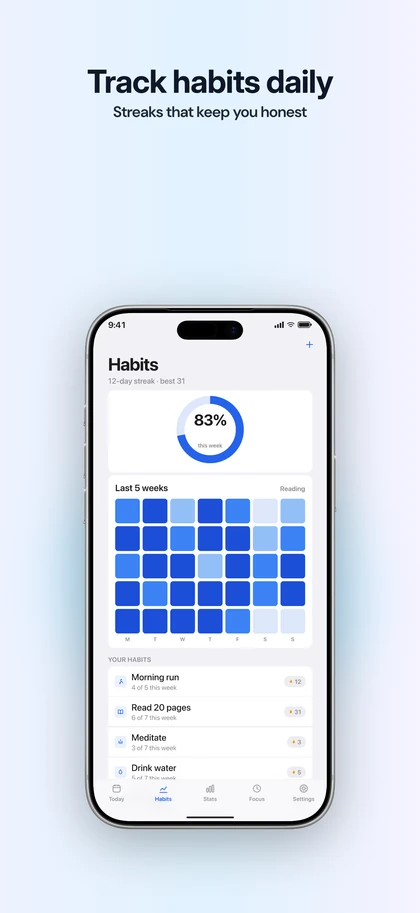
Interactive demo
Screenshot editor and store preview →
Write a caption, change the pack, background, and angle. Switch to the store preview to see your slide on a product page or in search results.
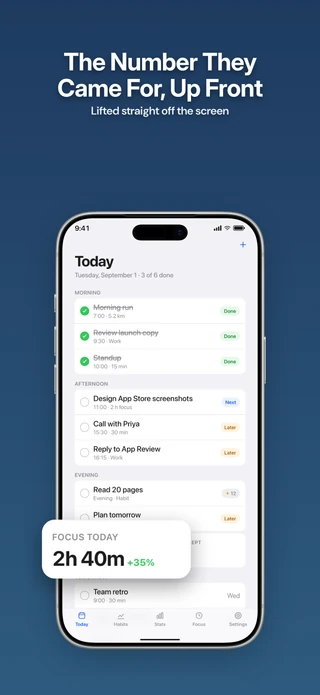
Rendered example
Pop-outs →
Lift a detail from your app screen and place it in front of the phone.
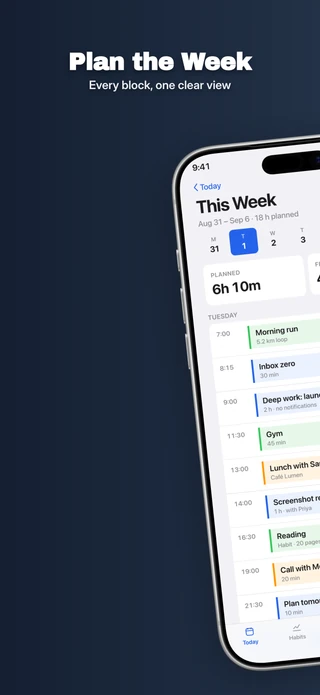
Rendered example
Joined slides →
See how a continuous background and a phone spanning the seam become separate upload files.
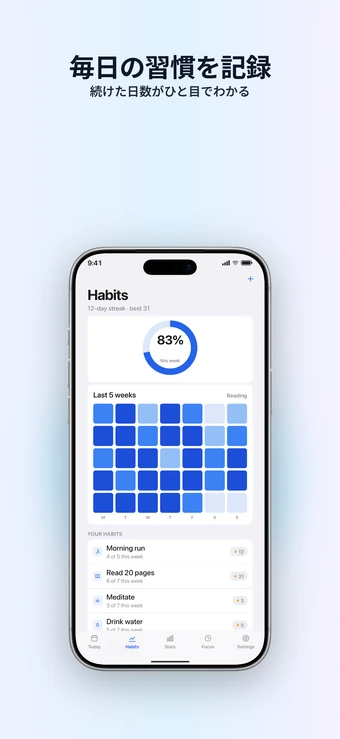
Rendered examples
Captions in three languages →
Compare English, German, and Japanese in the same design, including longer lines and different fonts.
Check your own store-page copy.
Paste your app name, subtitle, keywords, and description to check the field limits. These tools run in your browser and do not upload or save your text.
Listing draft checker
Edit a sample name, subtitle, keyword field, and description. See field checks update as you type.
Try the draft checker →Screenshot and metadata checks
Count metadata characters or check an image against the supported screenshot sizes.
Open the free tools →