Design the screenshots your app deserves.
Start with a template, add your app screens, and customize the captions and design. Preview the result in an App Store layout, then export the sizes and languages you need. Your projects stay in your browser. No account required.
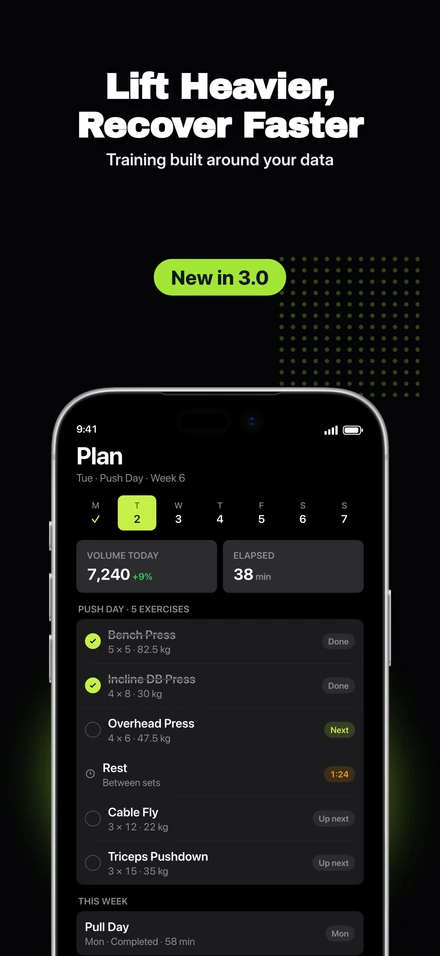
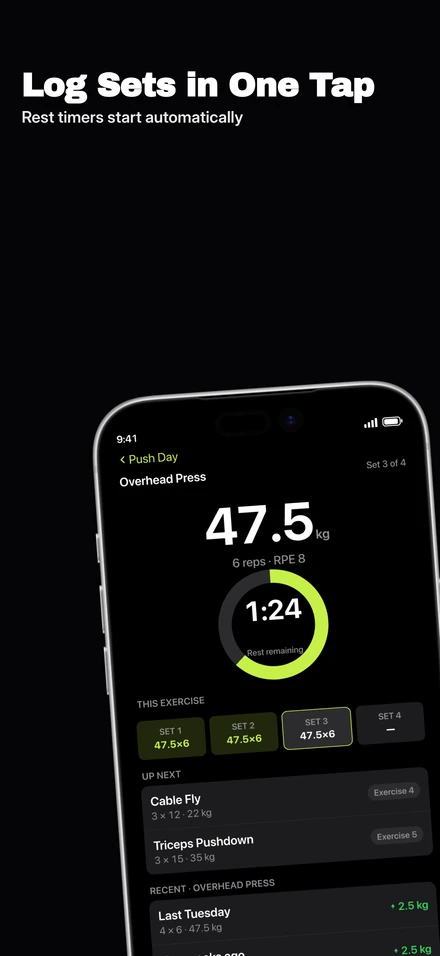
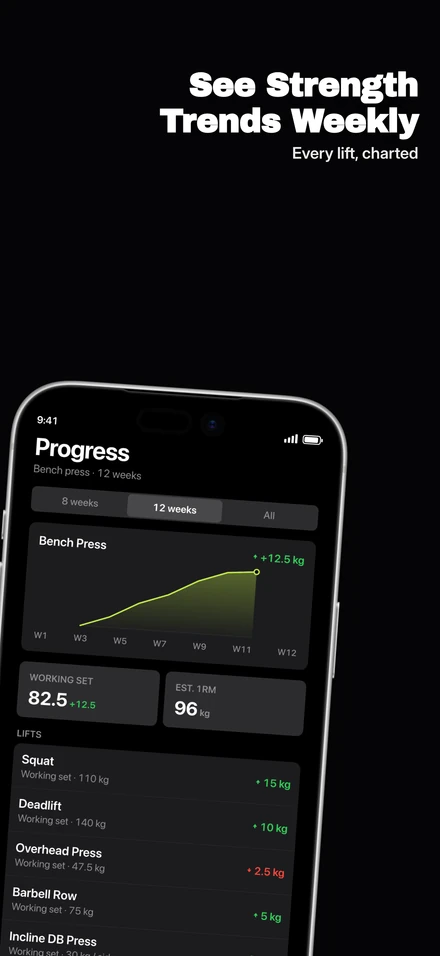
Find a look that fits your app.
Each template pack gives you a complete set of layouts to customize. Preview the styles below and switch packs without losing your screenshots or captions.
Full-device layouts with soft gradient backgrounds. Start free, then customize the design or switch packs as your set develops.
5 slides · Free
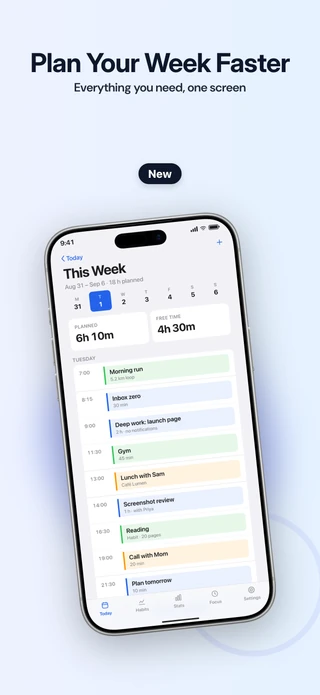
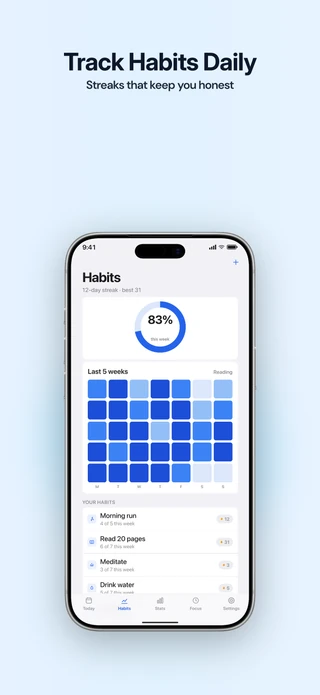
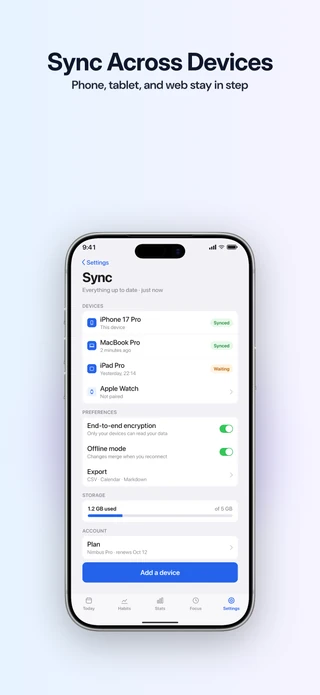
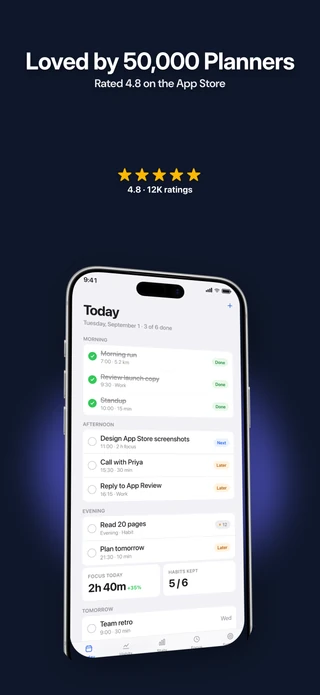
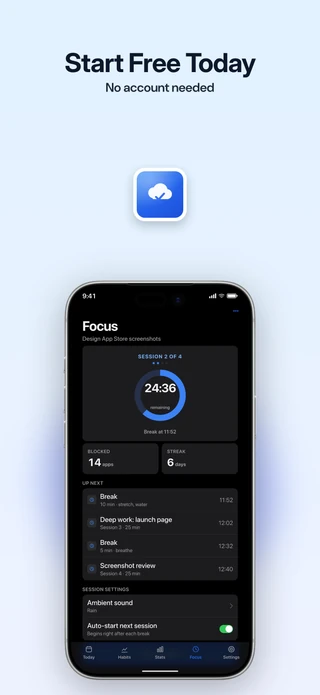
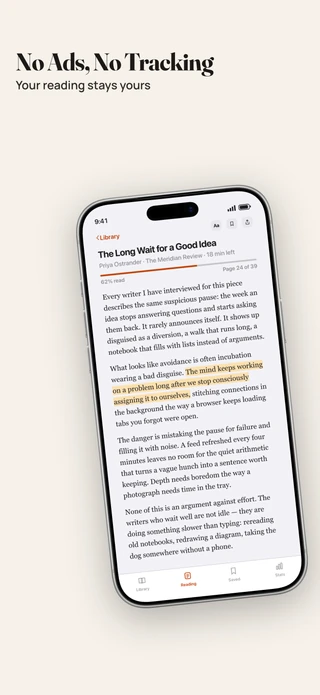
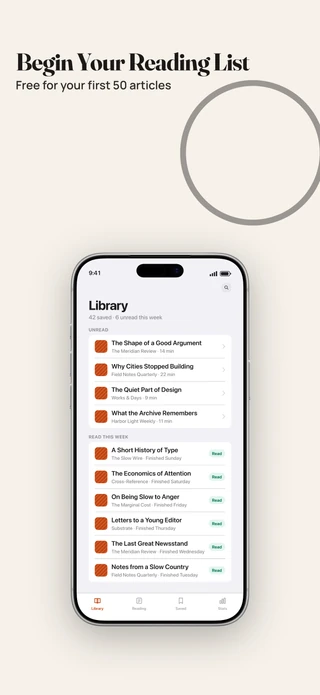
Cream backgrounds, dark text, and spacious layouts. A clear, understated style for reading, writing, and productivity apps.
6 slides · Included with Pro
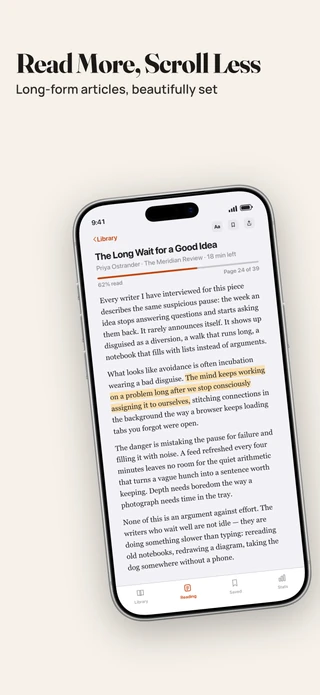
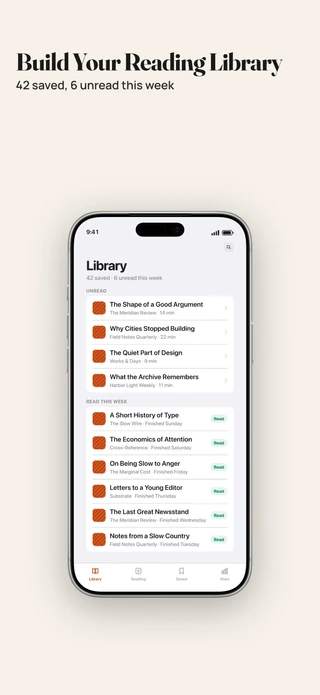
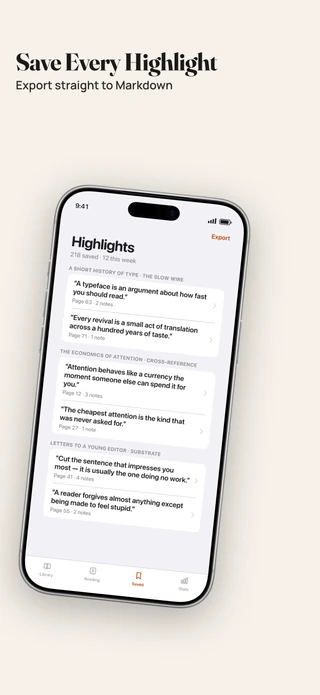
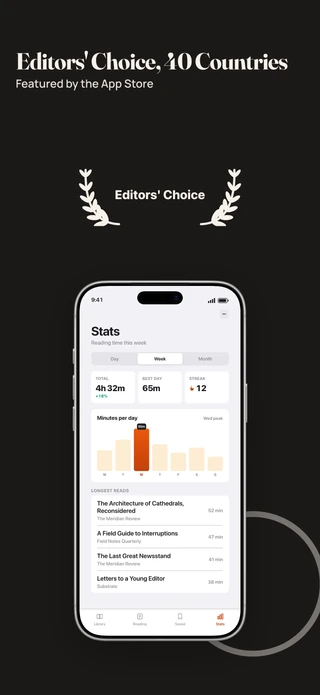
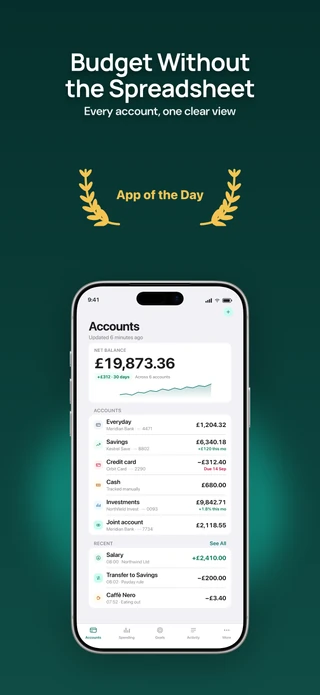
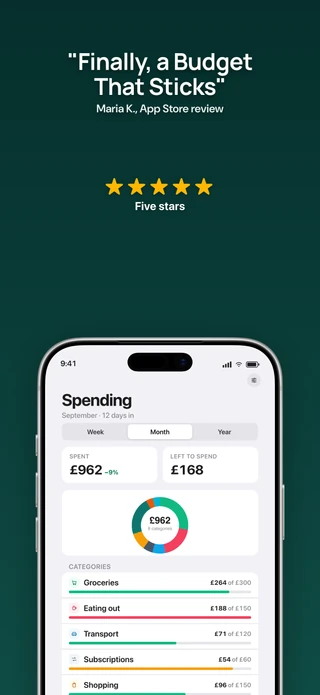
Show your app alongside customer reviews, ratings, and awards, with layouts ready for your own details.
6 slides · Included with Pro
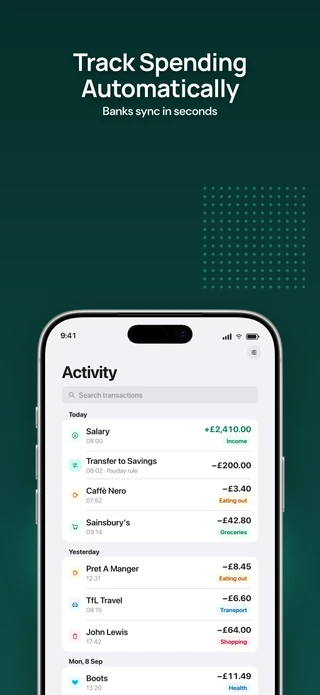
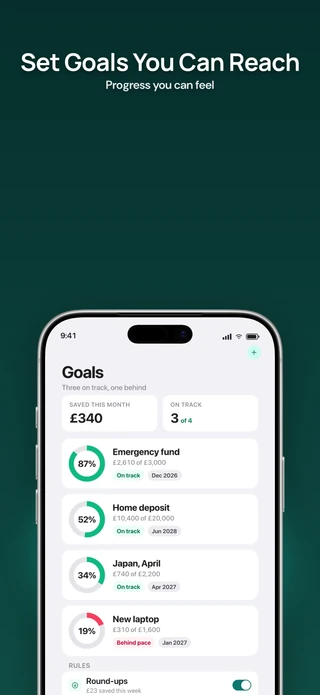
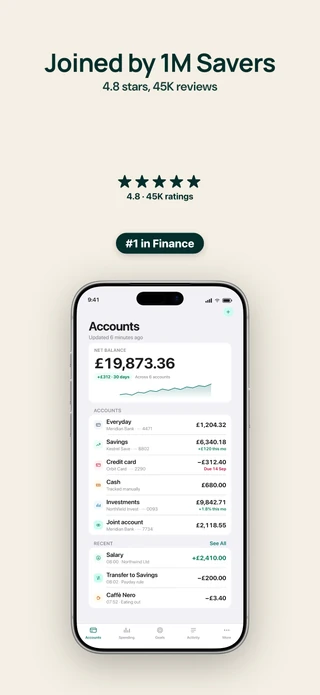
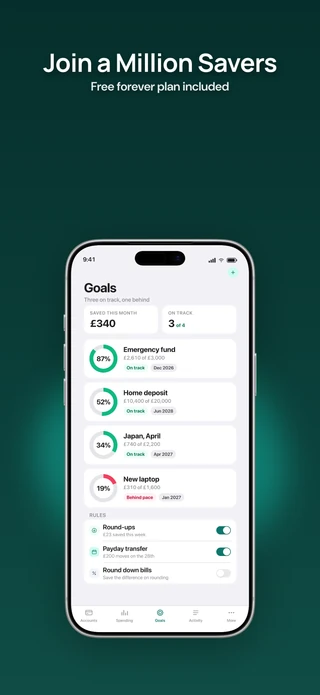
Make a slide right here.
Edit the caption and design, then switch to the App Store preview to see the slide on a product page or in search results.
Add ratings, reviews, and custom graphics.
Add badges, star ratings, award laurels, images, and a second device directly in the editor. Place up to 8 elements on each slide, with alignment guides to keep the layout consistent.
- Badge. A short label above the caption. “New in 3.0”, “#1 in Finance”.
- Rating. Stars with the count beside them.
- Laurel. The award wreath, for “App of the Day” and editorial features.
- App icon. Add your app icon to the layout.
- Second phone. Its own screenshot, angle and tilt.
- Shapes. Rings, dot grids and soft glows behind the phone.
- Image. Add your logo or a custom image. Crop it and place it in front of or behind the device.
Show the details that matter.
Five device frames and five viewing angles let you choose how to present your app. Highlight a feature with a pop-out, or connect slides into one continuous design.
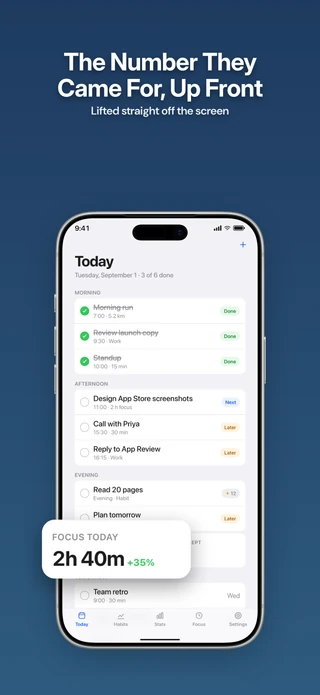
Highlight a detail
Select a chart, notification, or control in your screenshot and enlarge it in front of the device. Add up to 5 pop-outs per slide, scaled up to 2.2 times their original size.
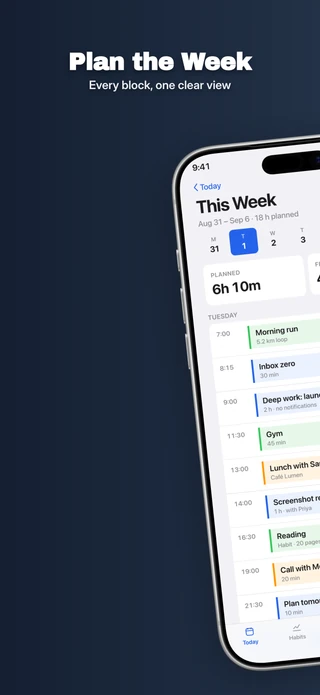
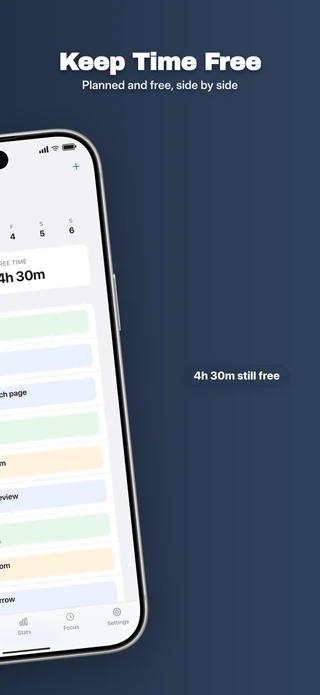
Connect your slides
Extend a background across 2 to 5 slides and position a device across the boundary. Studio exports each slide as a separate image for upload.
Choose fonts that match your brand.
Choose from 8 fonts on Free, or all 22 fonts and 8 suggested pairings with Pro. Pro also supports your own WOFF2, OTF, and TTF files. The library includes fonts for Japanese, Korean, Chinese, Arabic, and Devanagari.
- SF Pro DisplayFree
- InterFree
- PoppinsFree
- DM SansFree
- Playfair DisplayFree
- Space GroteskFree
- ManropeFree
- MontserratFree
- Outfit
- Sora
- Fraunces
- DM Serif Display
- Oswald
- Archivo Black
- Bricolage Grotesque
- JetBrains Mono
- Noto Sans JP
- Noto Sans KR
- Noto Sans SC
- Noto Sans TC
- Noto Sans Arabic
- Noto Sans Devanagari
Adapt your screenshots for each language.
Add your translations for 18 supported languages and check how each caption fits. Pro exports every language and size together, organized into labelled folders.
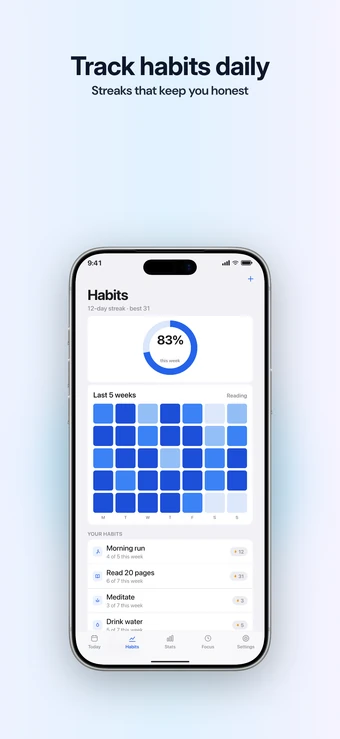
English (US)
The design you start from.
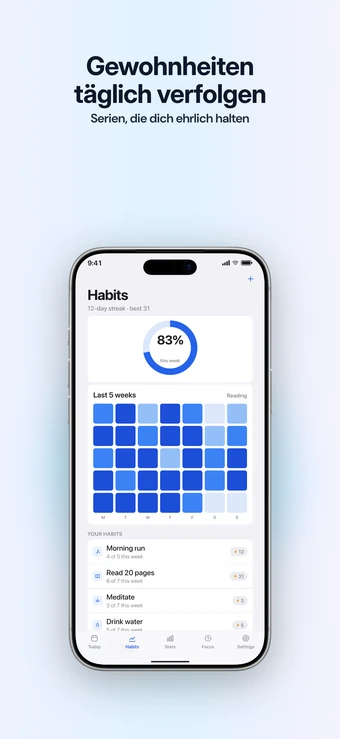
German
German runs longer, so the caption wraps to two lines. You see that before you export.
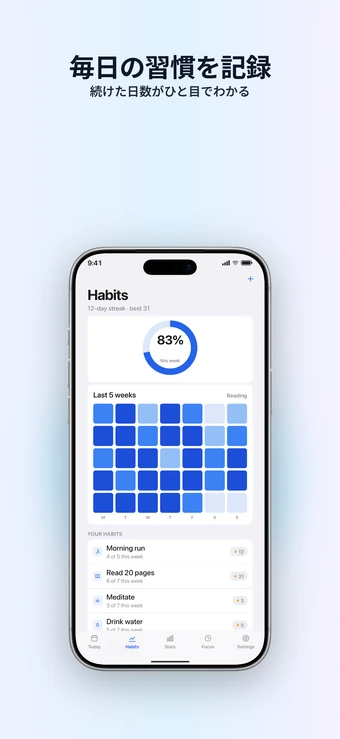
Japanese
Choose a font with kana and kanji support. Export checks flag any missing characters.
Catch screenshot issues before you export.
Check for missing screenshots, low-contrast text, untranslated captions, and device mismatches. Each finding points to the slide and language that needs attention.
- Missing screenshots.
- Placeholder captions or text that is too long for a thumbnail.
- Low contrast between captions and backgrounds.
- Captions that still need a translation.
- Missing characters in the selected font.
- Device frames that do not match the export size.
- Too many slides without app UI, flagged for review before submission.
Export the sizes your app needs.
Start at 1320 × 2868 and export the supported iPhone and iPad sizes with Pro. Studio adapts the frame and text, then organizes the images by language and size in a ZIP file. Review the iPad layouts before uploading, since their proportions differ.
iPhone 6.9"
- 6.9"1320 × 2868
- 6.9"1290 × 2796
- 6.9"1260 × 2736
- 6.5"1284 × 2778
- 6.5"1242 × 2688
iPad 13"
- 13"2064 × 2752
- 12.9"2048 × 2732
Autosave and undo help protect your work as you edit. Download a backup of your projects, images, and fonts to move between devices. Use the store preview to review your set at App Store proportions before uploading.
Turn Listing insights into screenshot captions.
With Suite, send a search phrase or review insight from Listing to a new Studio project. Refine the caption and build the design, with the source attached for reference.
Choose the plan that fits your work.
Start free with one screenshot project. Pro adds all templates, fonts, languages, and export sizes for $79 a year or $8 a month. Suite includes everything in Pro plus Listing for $119 a year or $14 a month.
| FreeStudio essentials | ProAll Studio features | SuiteStudio + Listing | |
|---|---|---|---|
| Designing | |||
| Screenshot editing controls | Yes | Yes | Yes |
| Projects | 1 | Unlimited | Unlimited |
| Slides per project | 5 | Unlimited | Unlimited |
| Template packs | Starter | All 7, plus new ones | All 7, plus new ones |
| Fonts | 8 core | Full library, plus your own | Full library, plus your own |
| Exporting | |||
| Resolution and watermark | Full resolution, no watermark | Full resolution, no watermark | Full resolution, no watermark |
| Languages per export | One | Every language in one pass | Every language in one pass |
| Sizes per export | The size you designed | Every accepted size | Every accepted size |
| Listing tools (beta) | |||
| Listing research, store-page drafts, and test records | No | No | Yes |
| Your data | |||
| Projects saved in your browser | Yes | Yes | Yes |
| Project backup and restore | Yes | Yes | Yes |