Create App Store screenshots and improve your listing.
Design your screenshots in Studio. Research search phrases, refine your store-page copy, and track updates in Listing. Prepare the visuals and text for your next release.
Start designing for free, with no signup or watermark. Listing is included with Suite and is currently in beta.
Free release helpers: Five-slide screenshot planner · Screenshot sizes · Image validator · App Store text counter
See where your app shows up in search, and what to change next.
Listing shows your position for each search, whether Apple suggests it, and how hard page one is. Pick an example app and try it.
Find a look that fits your app.
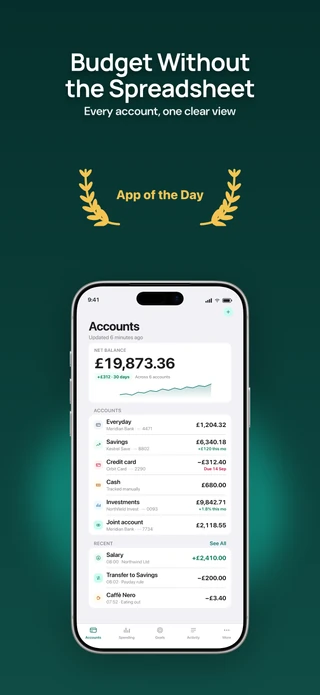
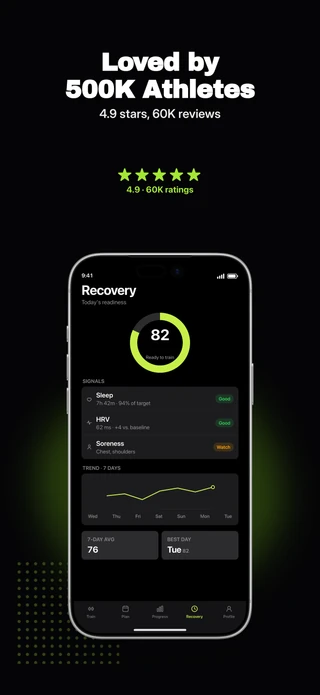
Show your app alongside customer reviews, ratings, and awards, with layouts ready for your own details.
6 slides · Included with ProTry this pack →
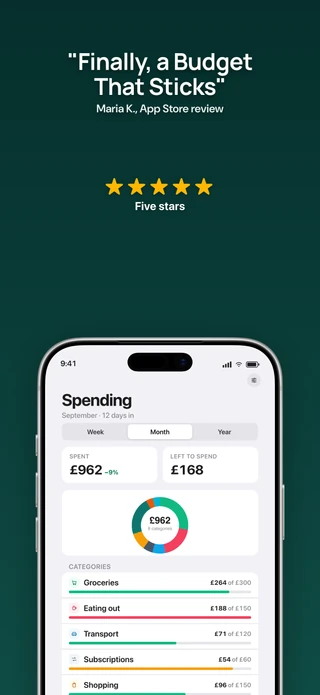
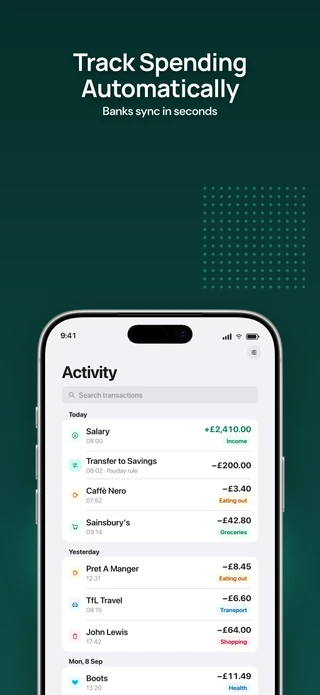
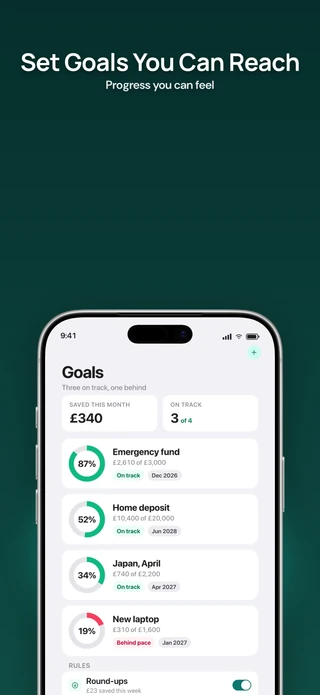
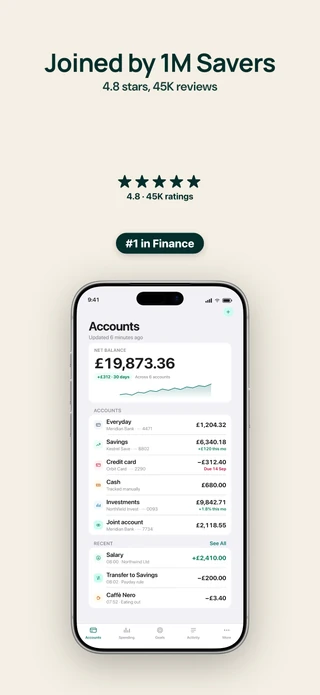
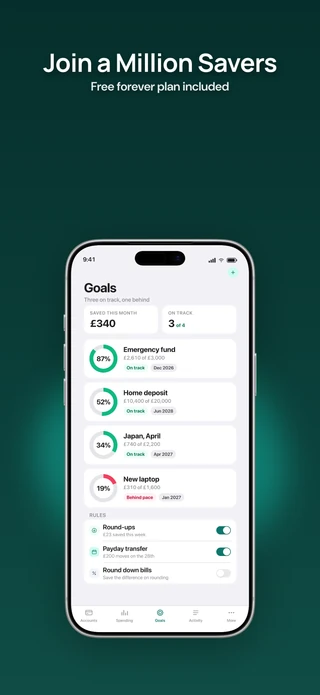
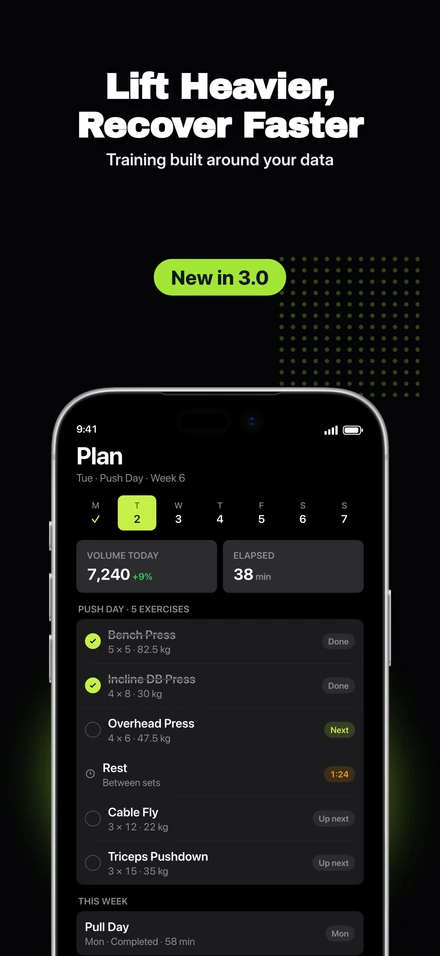
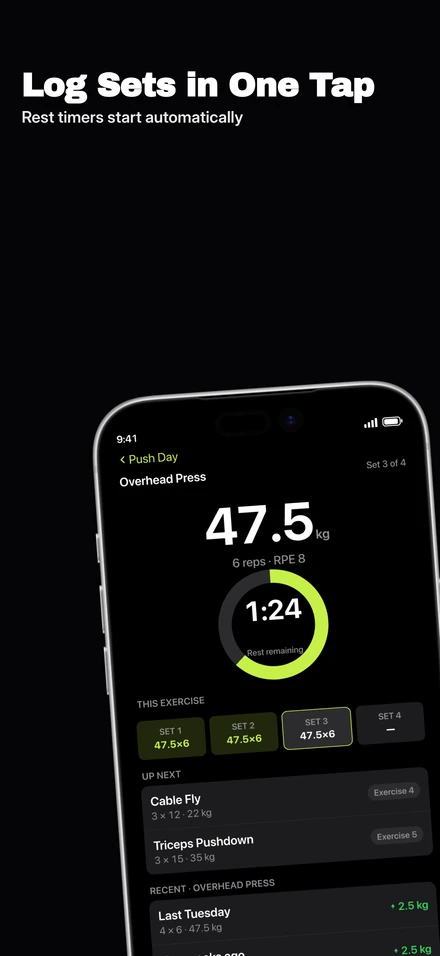
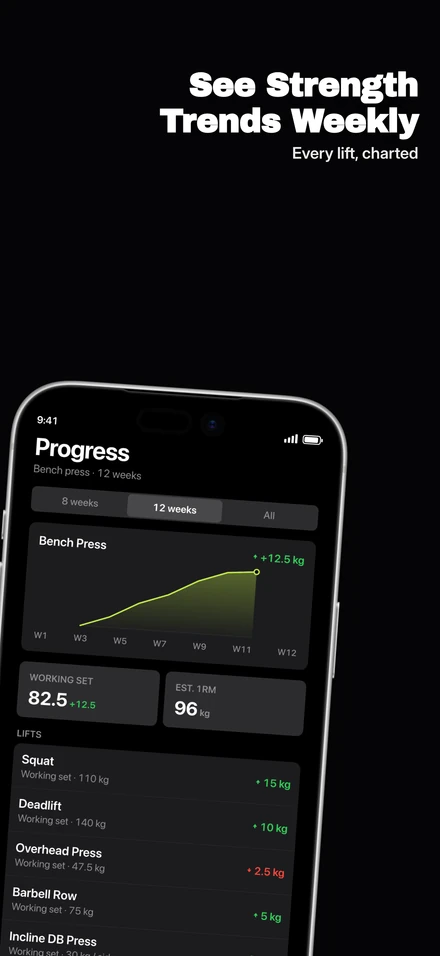
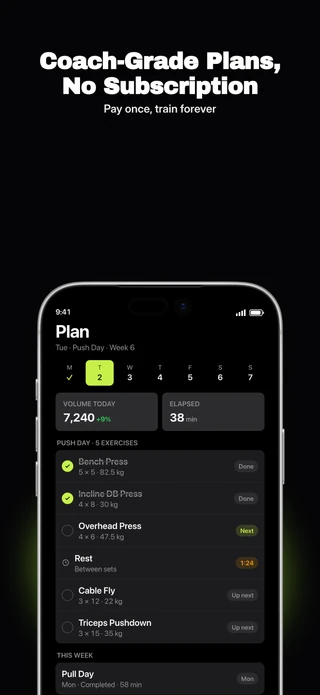
Dark backgrounds, bright accents, and large headlines. Draw attention to your app screens and key features.
6 slides · Included with ProTry this pack →
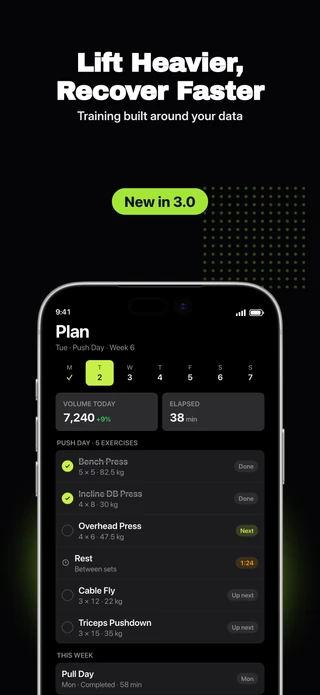
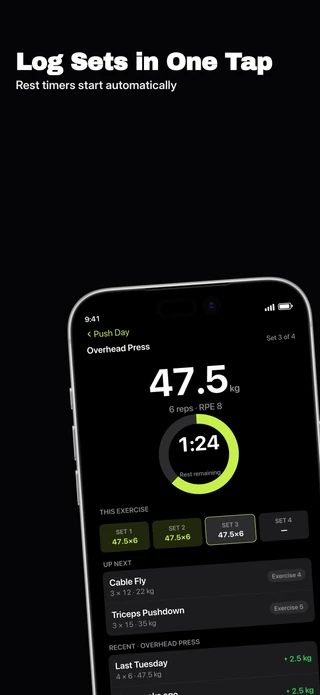
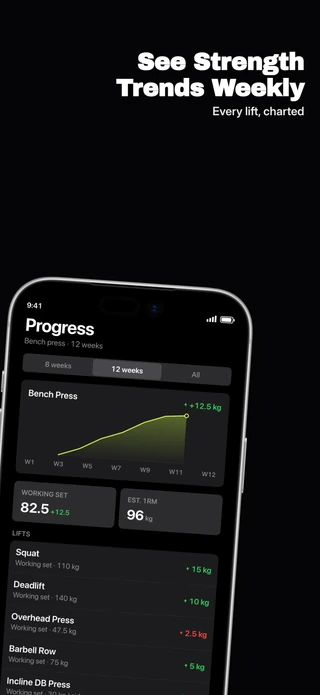
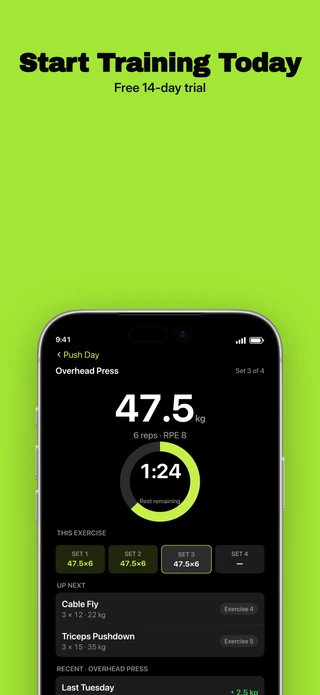
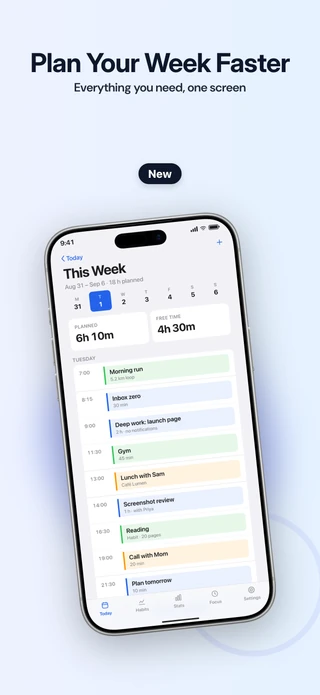
Full-device layouts with soft gradient backgrounds. Start free, then customize the design or switch packs as your set develops.
5 slides · FreeTry this pack →
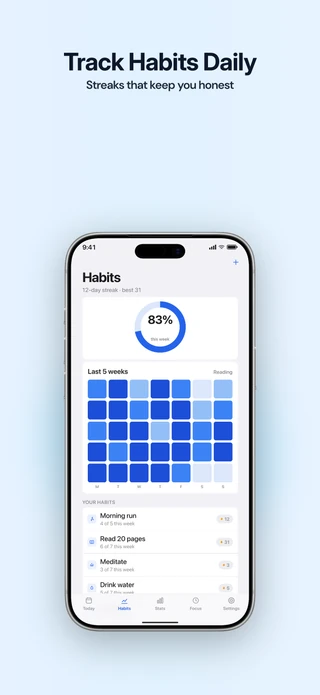
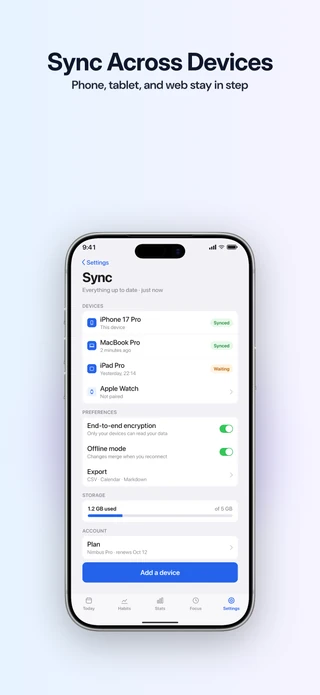
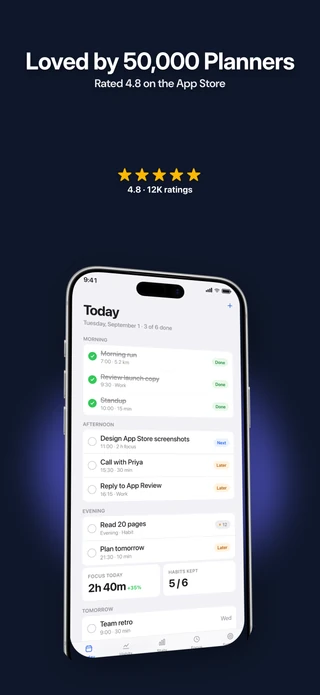
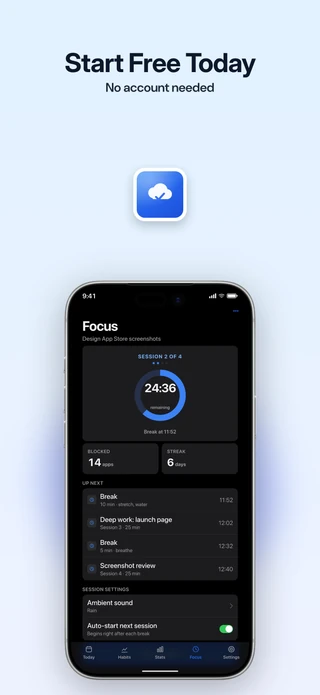
Create your first screenshot set for free.
Start with one project, 5 slides, and the Starter pack. Export at full resolution with no watermark, for as long as you need. Choose Pro for more design and export options, or Suite for Studio and Listing together.
Free · Studio essentials
$0
Create one screenshot project with up to 5 slides. Export without a watermark. No time limit.
Pro · All Studio features
$79 / year
Create unlimited projects with every template, font, language, and export size.
Suite · Studio + Listing
Beta$119 / year
Everything in Pro, plus Listing for search research, store-page editing, and tracking your updates.
Prefer a one-time purchase? Get 90 days of Suite with the Launch Pass for $39 once, or lifetime access to Pro, the screenshot editor, for $99 once. The lifetime offer is limited to 200 licenses.
Before you start
- Do I need an account?
- No. The editor opens with no signup, and there is no trial period. You give an email address when you buy a plan. Listing’s optional weekly email uses your purchase email.
- What size do App Store screenshots have to be?
- App Store Connect takes 1320 × 2868 for the 6.9" iPhone and 2064 × 2752 for the 13" iPad. Apple lists other accepted sizes too. Studio can export its supported iPhone and iPad sizes from one design.
- Where do my screenshots go?
- They stay on your device. The editor runs in your browser and keeps your projects and images there, so an unreleased app never leaves your machine.
- Does the free plan add a watermark?
- No. Free exports are full resolution with no watermark. The free plan is limited in size instead: one project, 5 slides, one language and the Starter pack.
- What do the listing tools need from me?
- Find a published app by name, Apple ID, or App Store link, or start an unpublished draft. Listing reads public Apple data and the copy you add. You do not need App Store Connect credentials.
- Which plan has the listing tools?
- Suite, which is Pro plus Listing, at $14 a month or $119 a year. The tools are in beta. If you would rather not subscribe, the 90-day Launch Pass is $39 once for the same Suite. The lifetime license is Pro only and does not include Listing. Without a plan, you can run Listing once on one of your apps and use the search demo, workspace tour and draft checker.