The best App Store screenshot generator for developers doing their own ASO
Screenshots and keywords are two halves of the same store page. A developer doing their own ASO needs both done well, without paying for a toolset built for agencies.
Do you need keyword popularity and difficulty scores?
No. Use StoreStudio Suite, the full screenshot editor plus Listing research, in one plan for $119 a year.
Yes. Add Astro. It tracks keywords with popularity and difficulty scores, for $108 a year.
The four tools worth considering
- StoreStudioScreenshots and listing research in one planFree, or $79/yr
- AstroKeyword popularity and difficulty$108/yr
- AppScreensTesting screenshots on the storeFree, or $99/yr
- AppLaunchFlowAI-written store copy with screenshotsFree, or €99/yr
StoreStudio
StoreStudio Suite (Pro, the full screenshot editor, plus Listing) costs $119 a year. Listing shows where your app ranks for a search, from the top 10 down to below 50, whether Apple suggests that search, and how strong the apps on page one are. It also tracks your category rank.
You draft the subtitle and keyword field with checks against Apple’s limits, keep a before-and-after record of every change, and get daily checks and a weekly email. It works before your app is published, and free users can run it once on their own app.
The same plan includes the screenshot editor. The set below uses the Starter pack, which is part of the free plan.
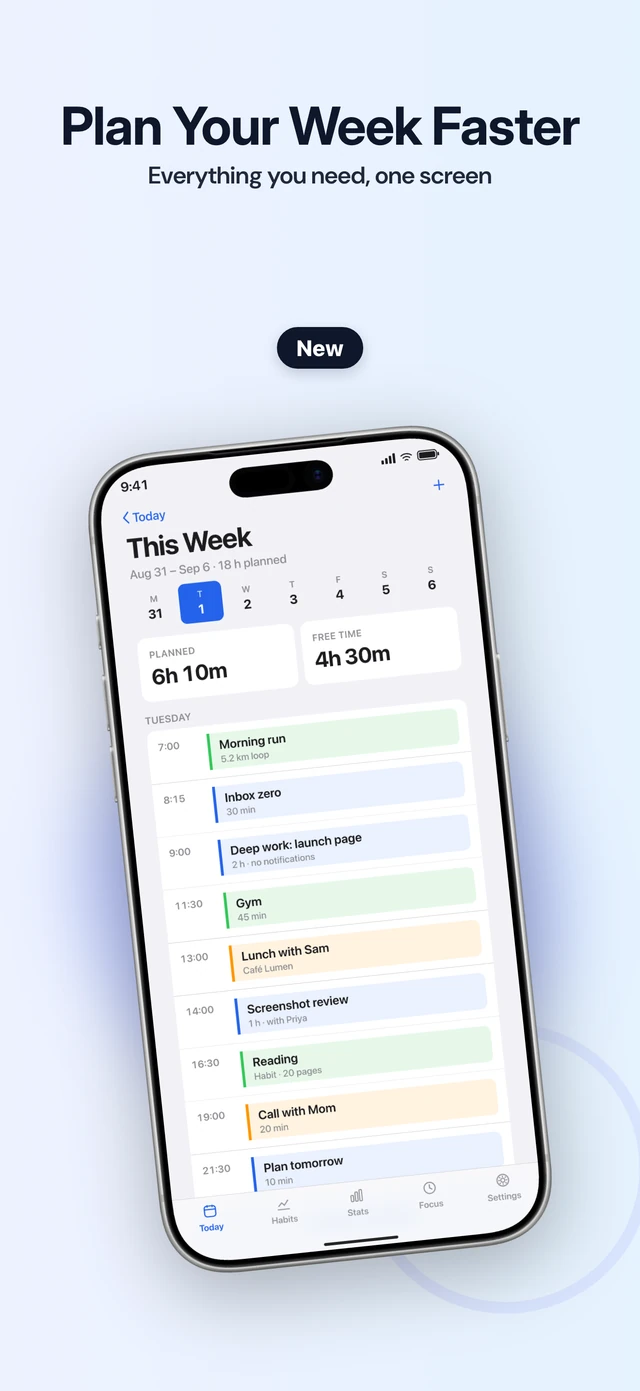
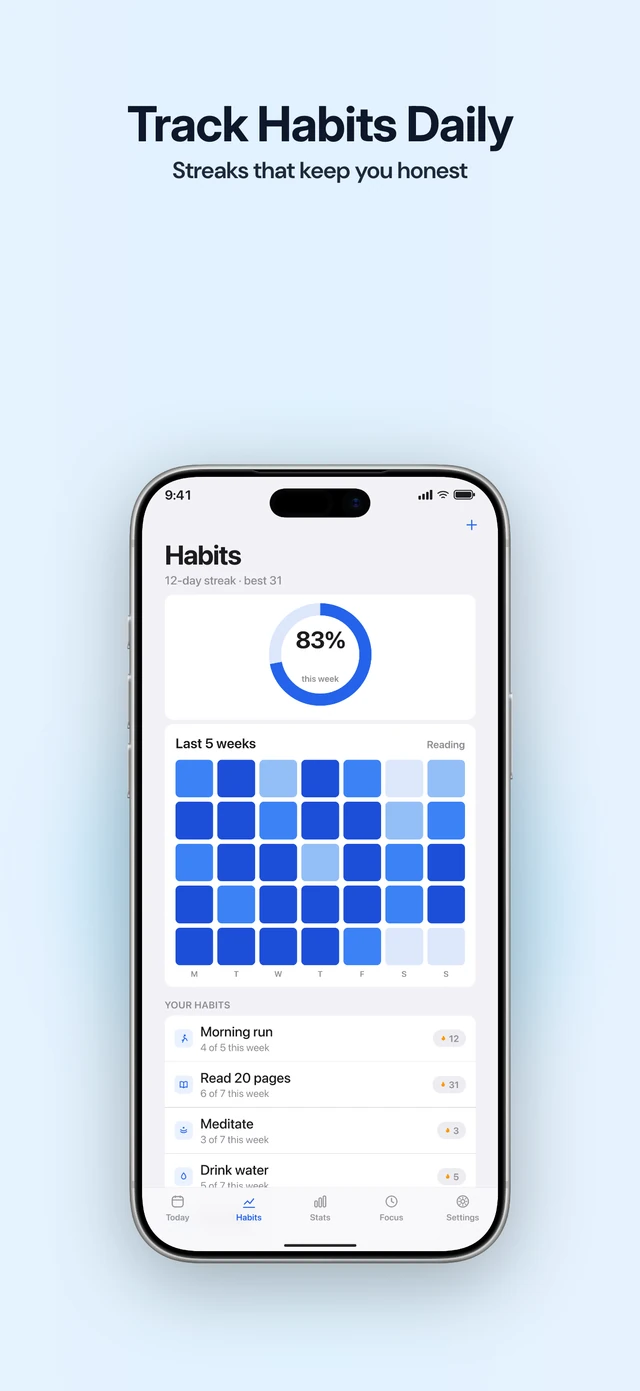
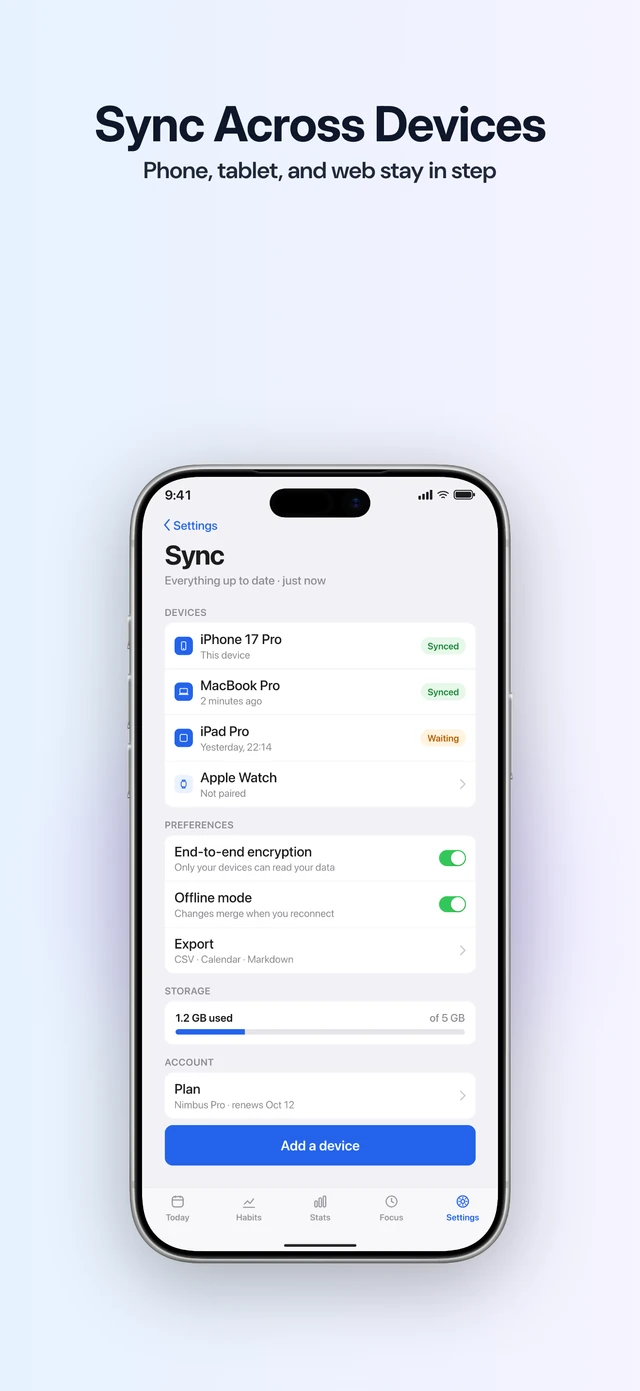
Listing has no search volume or download estimates. StoreStudio makes App Store screenshots, not Google Play, and doesn’t upload to App Store Connect; you export the set and publish it yourself.
Astro
Astro is a dedicated keyword tracker, and it has what Listing doesn’t: popularity and difficulty scores for each keyword. It tracks rankings daily in more than 60 countries and finds the keywords competitors rank for, for $108 a year. It’s a Mac app with no free plan. If keyword research is most of your ASO work, Astro is the stronger tool, and it pairs with any screenshot editor.
AppScreens
AppScreens uploads screenshots straight to App Store Connect, including sets for Custom Product Pages and Product Page Optimization tests. That makes it the quickest way to test one set of screenshots against another. Pro costs $99 a year and covers Google Play too.
AppLaunchFlow
AppLaunchFlow writes store copy with AI alongside layouts, captions and a promo video, then publishes to both stores. Unlimited costs €99 a year. It suits developers who would rather edit a generated draft than start from their own research.
What to do today
- Write down the five searches you most want your app to appear for.
- Check where you rank for each one now, and note the date.
- Put the strongest search in your subtitle and first caption, then check your rank again two weeks after the update goes live.
Common questions
- Does Listing show search volume?
- No. It shows where your app ranks and whether Apple suggests the search, not how many people search for it. Astro gives popularity scores if you need them.
- Can I test different screenshots on the App Store?
- Yes. Apple's Product Page Optimization runs up to three alternative versions of your product page against the original. AppScreens can upload those sets directly; otherwise you add them in App Store Connect.
- Can I research keywords before my app is published?
- Yes. Listing works for an unpublished app, so you can draft the subtitle and keyword field before release.
Read next
Try StoreStudio free. No account and no watermark.
Open the editorSources for prices and features
Astro pricingtryastro.appread
AppScreens pricingappscreens.comread
AppLaunchFlow pricingapplaunchflow.comread