The best App Store screenshot generator for a first launch
A first launch needs two things before review: a full set of screenshots and a store page that's ready to paste in. Four tools help with both, in different ways.
Are you launching on Google Play at the same time?
No. Use StoreStudio. The Launch Pass costs $39 once and gives you 90 days of the full editor and Listing, with no renewal.
Yes. Use AppLaunchFlow. It makes and publishes both stores' screenshots and store text, with a €9 pass for seven days.
The four tools worth considering
- StoreStudioScreenshots and a store-page draft before the app is liveFree, or $79/yr
- AppLaunchFlowBoth stores, written and published for youFree, or €99/yr
- Launch ShotsPublishing to both stores, with a free tierFree, or $149/yr
- AppLaunchpadBoth stores' screenshots on a small budgetFree, or $96/yr
StoreStudio
StoreStudio covers the screenshots and the store page in one place, and both work before the app is published. The set below uses the Starter pack, which is part of the free plan.
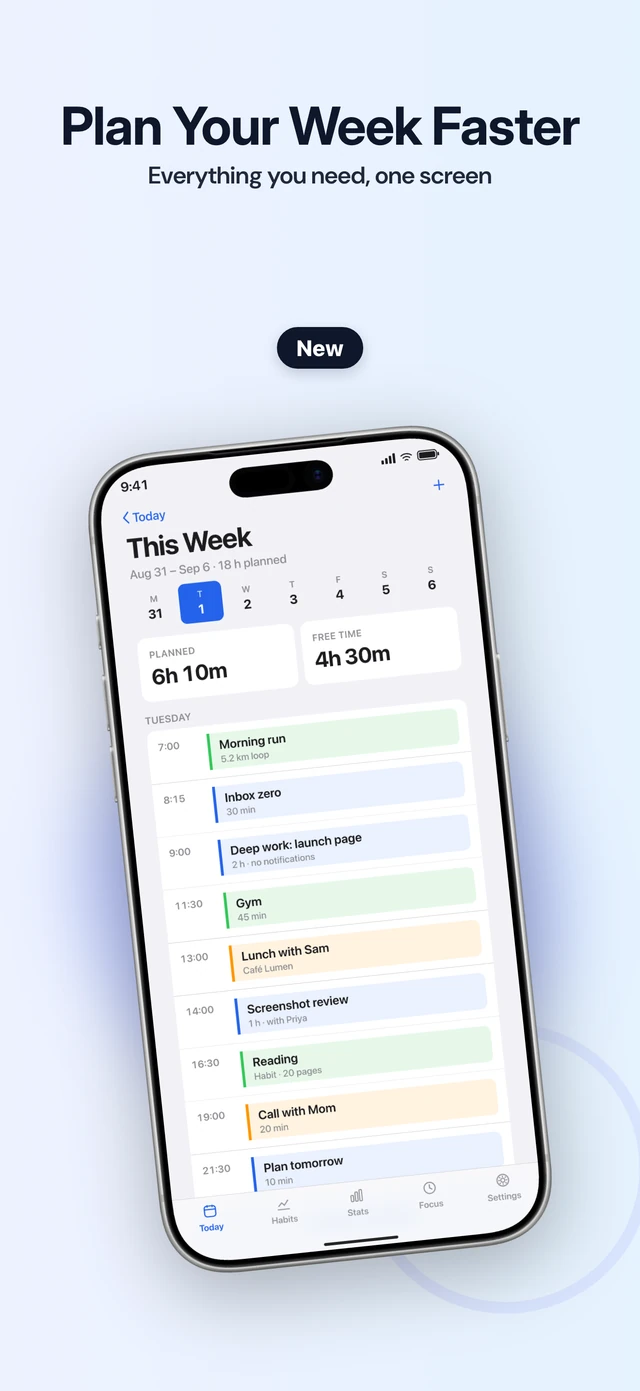
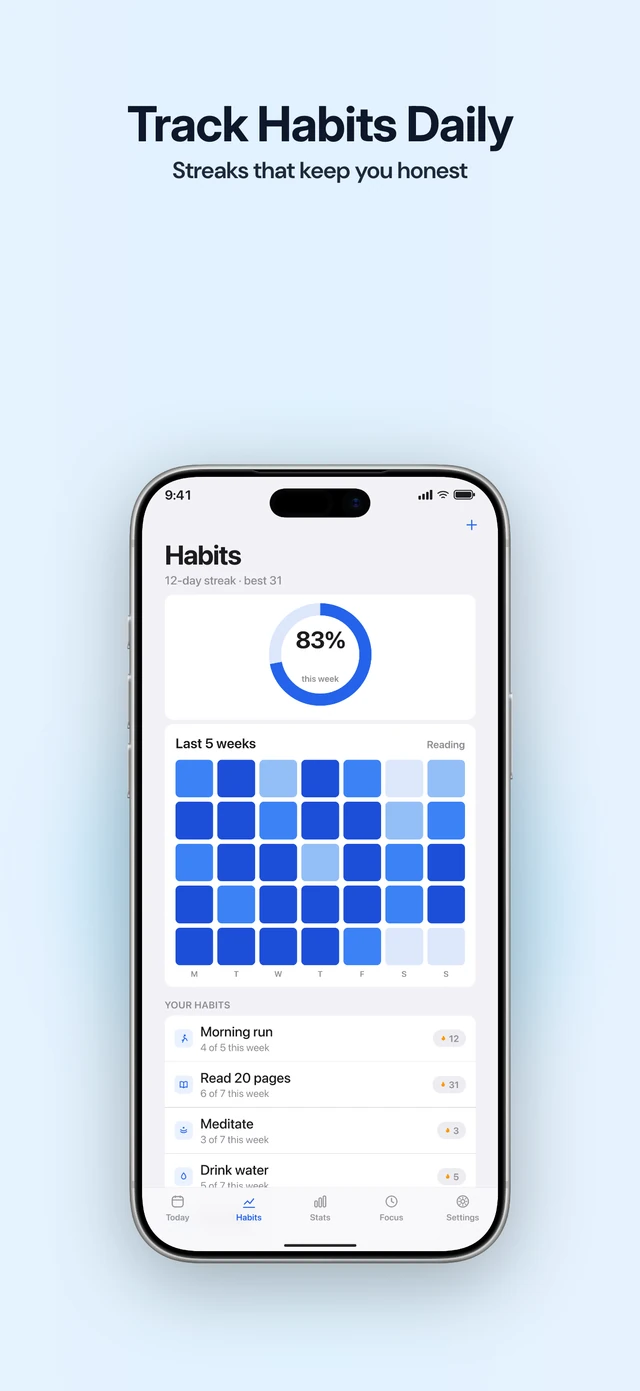
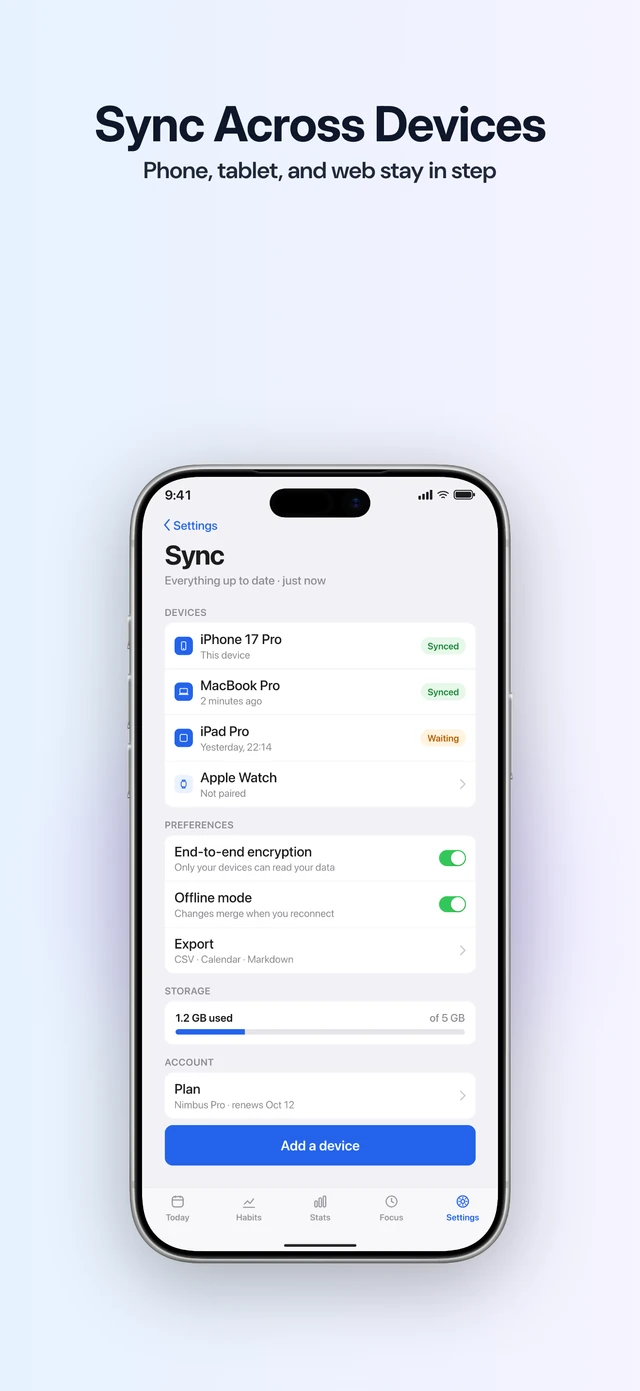
Before you export, it checks every slide for a missing screenshot, text that’s too small or too low in contrast, and the wrong export size. In Listing, you draft your name, subtitle, keywords and description, and it checks each against Apple’s limits. Once the app is live, it shows where it ranks for a search.
The free plan stops at five slides, and Apple allows ten, so it may leave a first set short. The Launch Pass is the realistic route: $39 once for 90 days of Suite (Pro plus Listing). Pro alone costs $79 a year. StoreStudio makes App Store screenshots, not Google Play, and it doesn’t upload to App Store Connect.
AppLaunchFlow
AppLaunchFlow makes screenshots, store text and a promo video with AI, for both stores. It publishes straight to App Store Connect and Google Play, so there’s no upload step. A Launch Pass costs €9 for seven days, and Unlimited costs €99 a year. If you launch on Android at the same time, it does more of the work.
Launch Shots
Launch Shots writes a headline for each screenshot and publishes to both stores once you connect them. The free tier includes three AI generations a month. The Launch Kit costs $39 once and covers 15 languages. Unlimited costs $149 a year.
AppLaunchpad
AppLaunchpad makes App Store and Google Play screenshots from one design. It has more than 1,000 templates on Pro, which costs $96 a year. It suits a launch on both stores when you’d rather write the captions yourself. The free plan includes 10 templates with limited exports, enough to try a layout before you pay.
What to do today
- Write your app’s name and subtitle before you design a single slide.
- Pick the three screens that show what your app does, and put them first.
- Build the set on a free plan, then buy a pass when you reach its limit.
Common questions
- How many screenshots should a first launch have?
- Apple accepts between one and ten for each device size. Use as many as it takes to show your main features, in the order people use them.
- Can I prepare the store page before the app is published?
- Yes. StoreStudio's Listing works for an unpublished app, so you can draft the name, subtitle, keywords and description ahead of review.
- What happens when the Launch Pass ends?
- It doesn't renew. After 90 days your plan returns to Free, and your projects stay where they are.
Read next
Try StoreStudio free. No account and no watermark.
Open the editorSources for prices and features
AppLaunchFlow pricingapplaunchflow.comread
Launch Shots pricinglaunchshots.comread
AppLaunchpad pricingtheapplaunchpad.comread