The best App Store screenshot generator for indie developers
An indie developer usually needs one strong set of screenshots, made in an evening, without paying for features that go unused. Five tools do that well.
Do you also need Google Play screenshots?
No. Use StoreStudio. It's free to start, and $79 a year once you need more slides or languages.
Yes. Use AppLaunchpad. It makes both stores' screenshots from one design, for $96 a year.
The five tools worth considering
- StoreStudioApp Store screenshots and listing research in one planFree, or $79/yr
- AppMockUpOne clean set at no costFree
- AppLaunchpadBoth stores on a small budgetFree, or $96/yr
- AppScreensUploading straight to both storesFree, or $99/yr
- FigmaA fully custom designFree
StoreStudio
Pick a template pack, add your screens, and export at full resolution. The set below uses the Starter pack, which is part of the free plan.
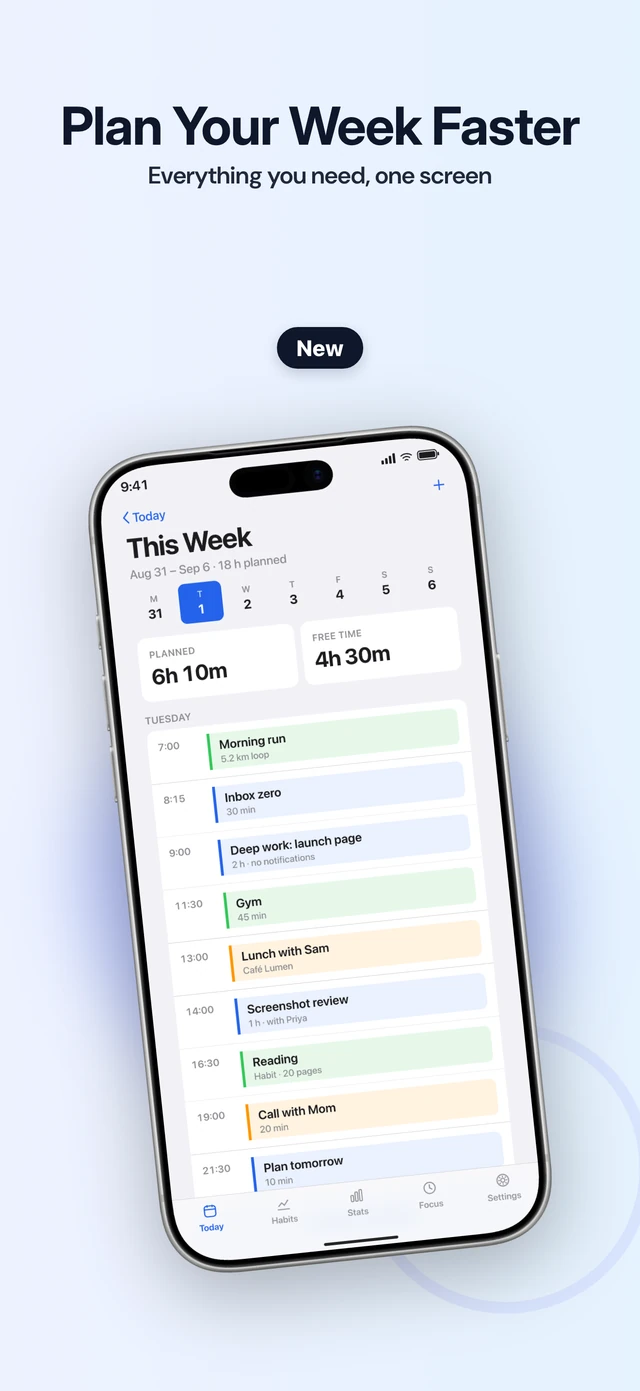
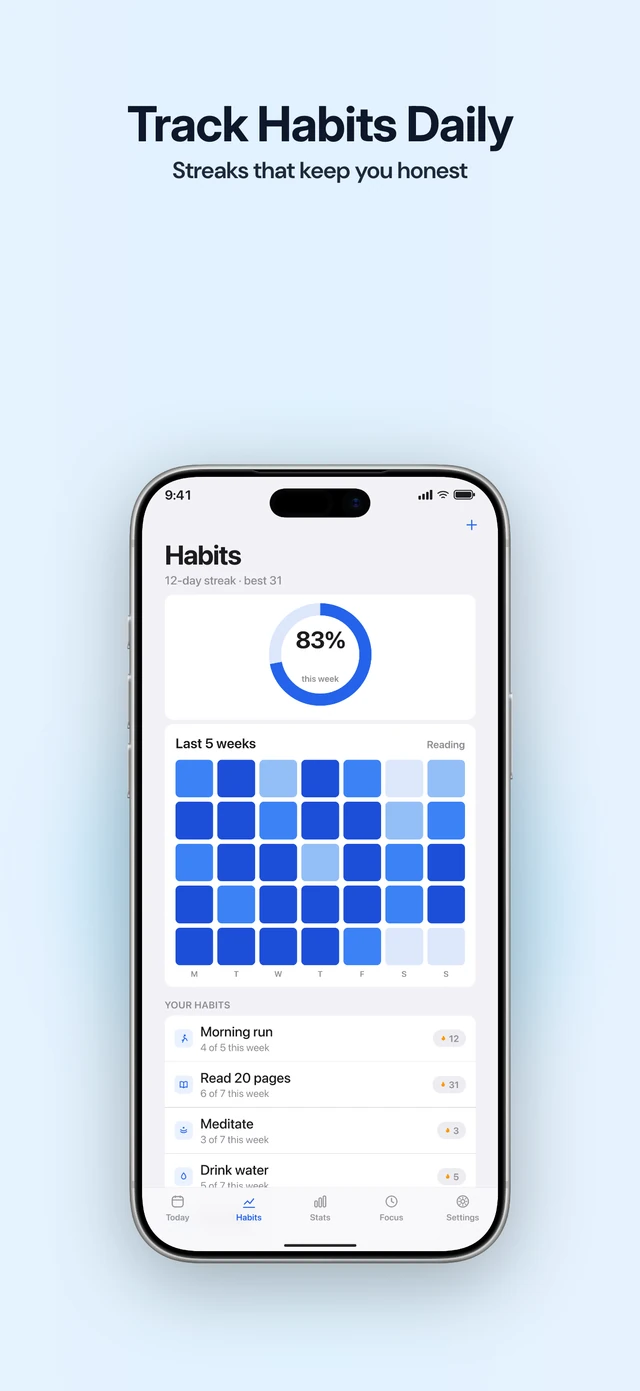
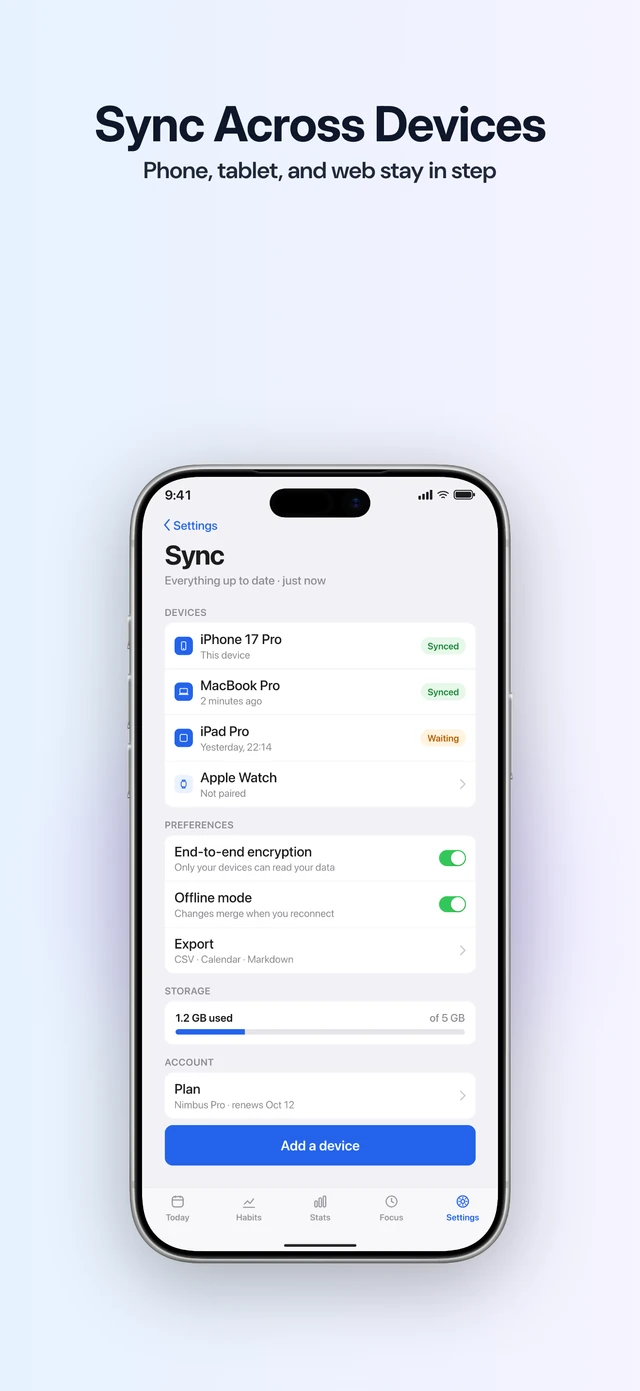
Before you export, it checks every slide for a missing screenshot, text that’s too small or too low in contrast, a headline that runs long in another language, and a font that can’t display Japanese. Suite adds Listing, which shows where your app ranks for a search and helps you draft the subtitle and keywords.
The free plan covers one project with five slides in one language. Pro adds every template pack, custom fonts, more languages and every export size. StoreStudio doesn’t make Google Play, landscape or video assets, and it doesn’t write or translate captions.
AppMockUp
AppMockUp is free, makes Google Play sizes too, and doesn’t ask for an account. For one good set in one language, it’s hard to beat. Its site doesn’t mention translated captions or checks before export.
AppLaunchpad
AppLaunchpad makes App Store and Google Play screenshots from one design, and Pro costs about the same as StoreStudio Pro. If your app is also on Android, it’s the better choice. The free plan includes 10 templates with limited exports. Pro adds more than 1,000 templates and AI translation.
AppScreens
AppScreens uploads a finished set straight to App Store Connect and Google Play, writes captions with AI, and localizes into 80+ locales on Pro. That costs $99 a year. Most solo developers won’t need all of it, but the upload saves time on every release.
Figma
If you already design in Figma, a free community template gets you most of the way, with full control and no subscription. The cost is time: you size, frame and export every language yourself.
What to do today
- Take your screenshots in the Simulator on the largest iPhone.
- Write one short line for each screenshot before you open any tool.
- Build the set on a free plan, and pay only when you reach a limit.
Common questions
- How many screenshots does the App Store need?
- One to ten per device size and language. Apple names the medium Dynamic Island iPhone display as required and documents scaling between classes when the interface is consistent. Apps that run on iPad need a 13-inch set. Check the wells in App Store Connect.
- Can I make App Store screenshots for free?
- Yes. AppMockUp is free, and StoreStudio's free plan exports five full-resolution slides in one language without a watermark or an account.
- Do I need a designer for my first set?
- No. A good template and one clear line per screenshot are enough for a first release. A designer earns their fee later, once you know which screenshots bring in downloads.
Read next
Try StoreStudio free. No account and no watermark.
Open the editorSources for prices and features
AppMockUpapp-mockup.comread
AppLaunchpad pricingtheapplaunchpad.comread
AppScreens pricingappscreens.comread
Figma pricingfigma.comread