The best App Store screenshot generator for apps in many languages
A localized set multiplies the work. Every caption has to be right and has to fit, in every language and at every size. The tools split on one point: who writes the translations.
Do you already have your translations?
Yes. Use StoreStudio. Import your translators' captions in 18 languages and export every language and size in one ZIP, for $79 a year.
No. Use AppScreens Pro, which localizes into 80+ locales for $99 a year, or Launch Shots, with 84 languages for $149 a year.
The five tools worth considering
- StoreStudioCaptions your translators already wroteFree, or $79/yr
- AppScreensTranslation and upload to both storesFree, or $99/yr
- Launch ShotsThe most languages for the priceFree, or $149/yr
- AppLaunchpadAI translation on a small budgetFree, or $96/yr
- FigmaA custom design in any languageFree
StoreStudio
StoreStudio is made for captions that someone else has translated. Type them in, or import a caption file from your translators, and every slide carries its caption in up to 18 languages. Export the file again when new lines need translating. The set below uses the Starter pack, which is part of the free plan.
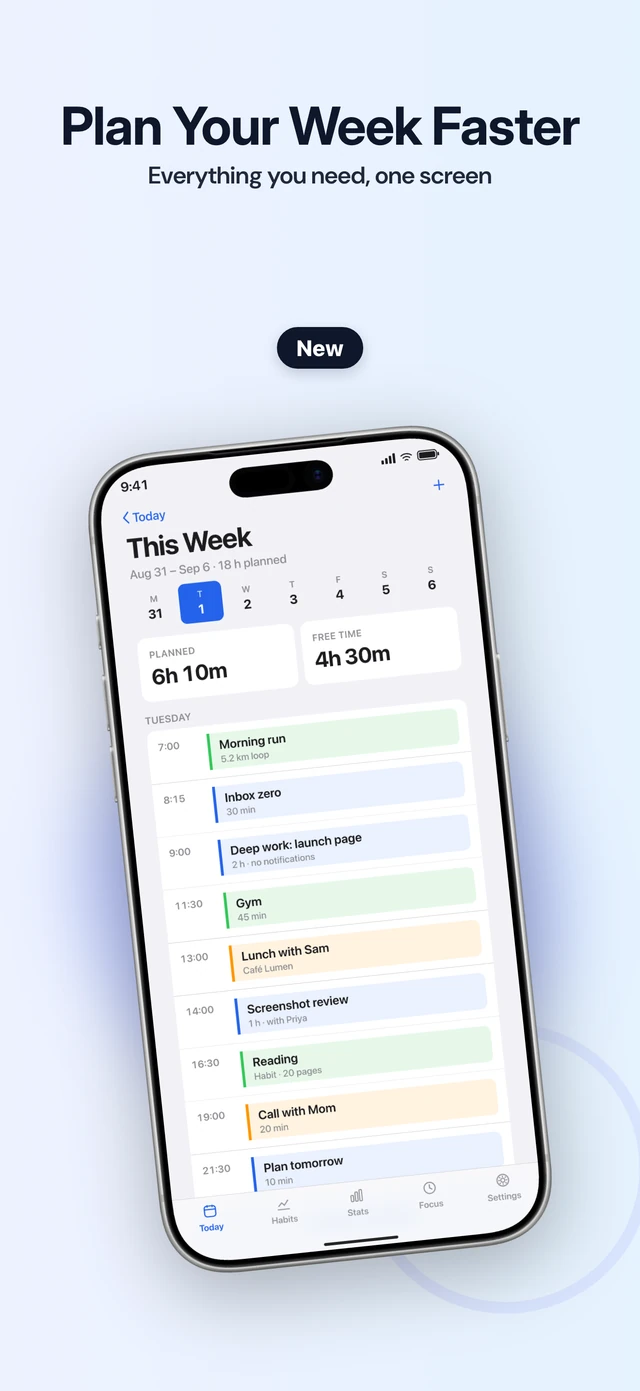
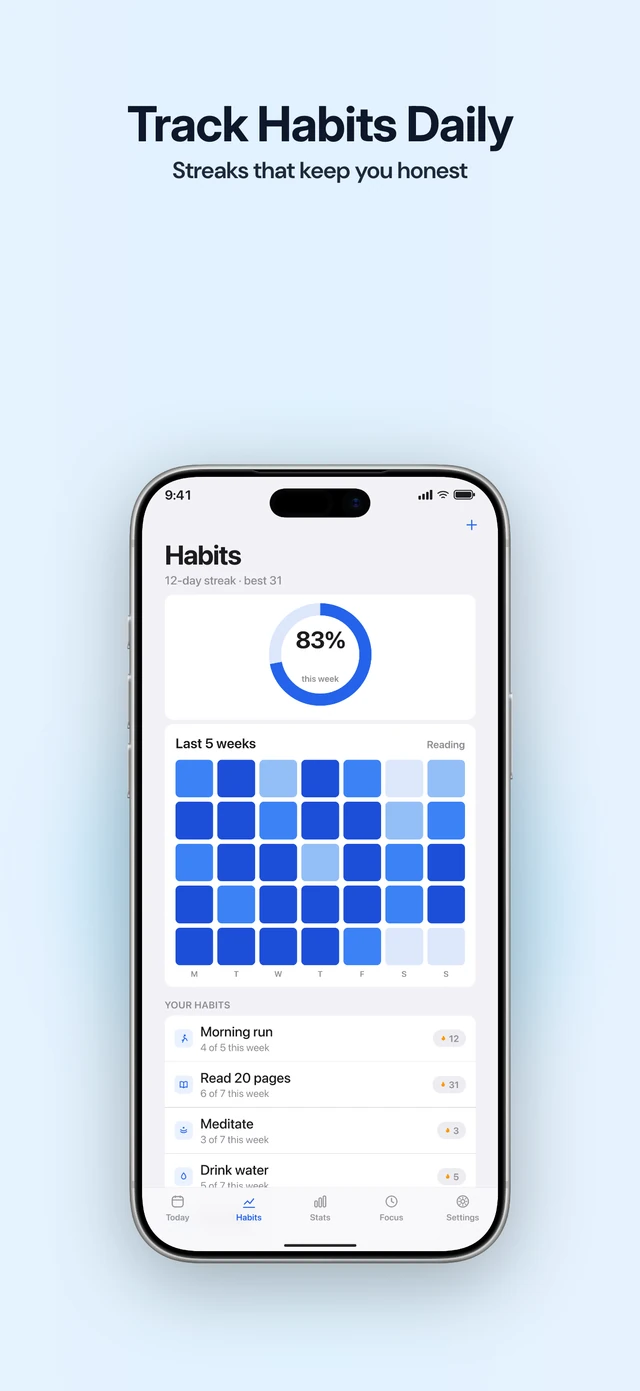
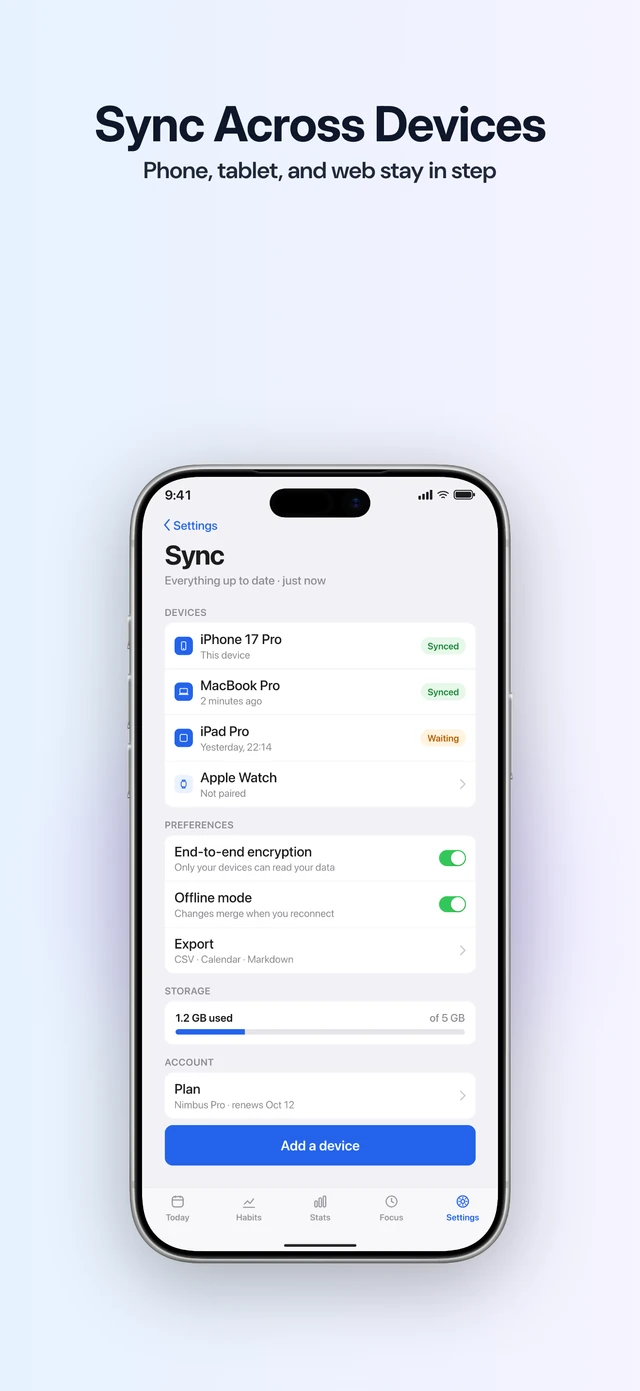
Before you export, it checks every language for a missing translation, a headline that runs too long, and a font that can’t display a script such as Japanese. Pro (the full editor) costs $79 a year and exports the whole set as one ZIP, organised by language and size.
The free plan covers one language. StoreStudio doesn’t write or translate captions, and its 18 languages are fewer than the App Store supports. It makes App Store screenshots, not Google Play.
AppScreens
AppScreens localizes captions into 80+ locales on Pro, at $99 a year. Scale is $180 a year and adds client licensing and unlimited projects. It also uploads the finished set to App Store Connect and Google Play. That saves the most time when every update touches dozens of languages.
Launch Shots
Launch Shots builds and translates sets with AI. Unlimited covers 84 languages for $149 a year and publishes to App Store Connect and Google Play. The free plan is limited to three AI sets a month and three languages.
AppLaunchpad
AppLaunchpad Pro includes an AI translator and makes App Store and Google Play sizes from one design, for $96 a year. It’s the cheapest way here to get translation and both stores in one plan.
Figma
For a fully custom design, free Figma community kits handle localized sets. One from ASO.dev covers 39 locales. You paste in every translation and export every size yourself.
What to do today
- List the languages you sell in, and mark the ones with real downloads.
- Settle one caption per screenshot in your main language before you translate anything.
- Send those captions to your translators or a translating tool, and review the longest language before you export.
Common questions
- Do I need screenshots in every language I support?
- No. A language without its own screenshots shows the set from your primary language. Start with the languages that bring real downloads.
- Can StoreStudio translate my captions?
- No. You type the captions or import them from a caption file. StoreStudio then checks that each language is complete and fits on the slide.
- What is a caption file?
- A CSV or JSON file that holds every caption in every language. Translators can fill it in without opening the editor, and StoreStudio imports it in one step.
Read next
Try StoreStudio free. No account and no watermark.
Open the editorSources for prices and features
AppScreens pricingappscreens.comread
Launch Shots pricinglaunchshots.comread
AppLaunchpad pricingtheapplaunchpad.comread
Figma pricingfigma.comread