The best App Store screenshot generator for iPad apps
An iPad screen is wider than a phone's, so a phone layout stretched to fit looks empty. The iPad set needs its own design. Four tools handle that well.
Do you need iPad sizes other than 13-inch?
No. Use StoreStudio. It designs the 13-inch iPad set as its own layout, which is the size Apple requires. It's free to start, and $79 a year for every export size.
Yes. Use AppScreens. It exports every iPad size, including 11-inch, for $99 a year.
The four tools worth considering
- StoreStudioA real iPad 13-inch layout, with checksFree, or $79/yr
- AppScreensEvery iPad size, and upload to the storeFree, or $99/yr
- AppLaunchpadiPad, iPhone and Android from one designFree, or $96/yr
- FigmaA fully custom iPad designFree
StoreStudio
In StoreStudio, iPad 13-inch is a design target of its own, with an iPad canvas and an iPad frame. You lay the set out for the iPad’s shape, instead of fitting a phone design to it. The set below uses the Starter pack, which is part of the free plan.
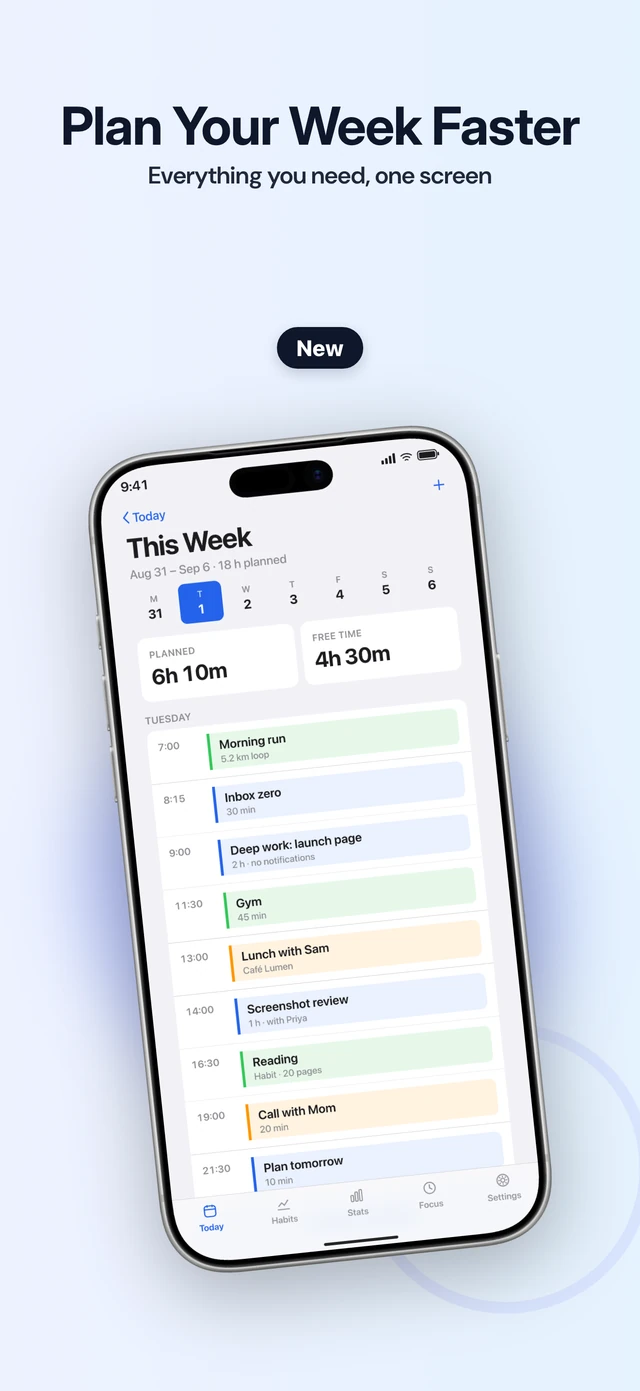
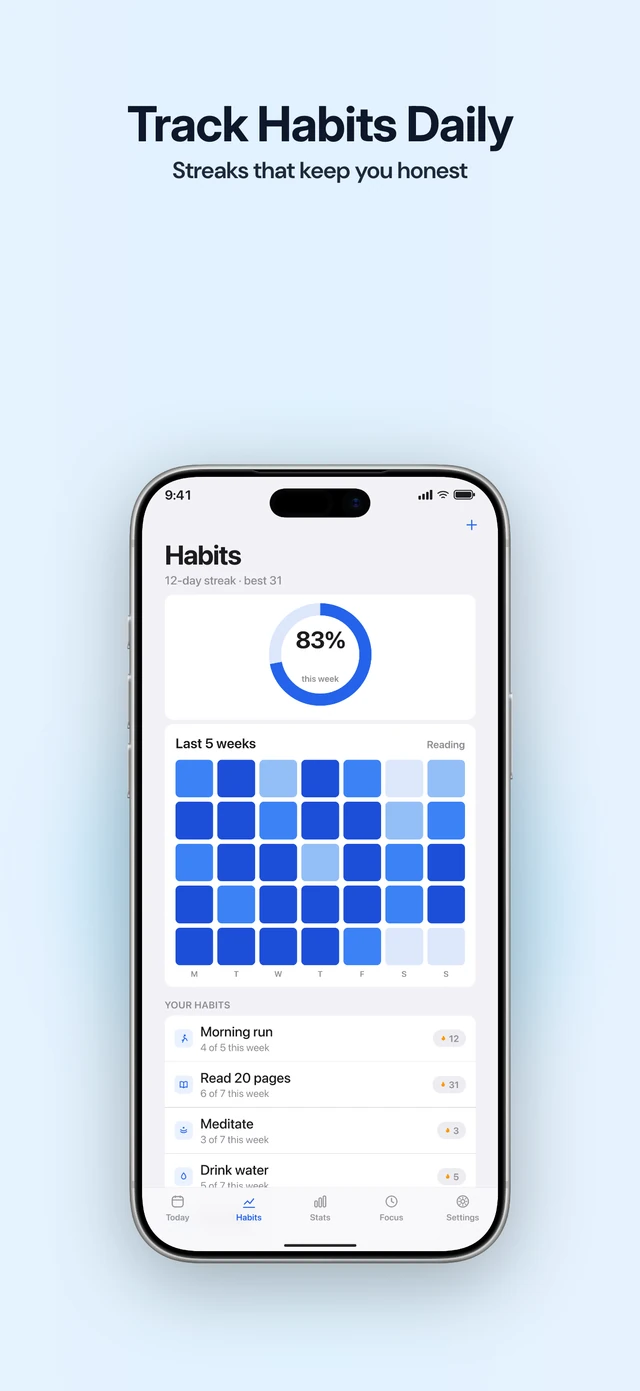
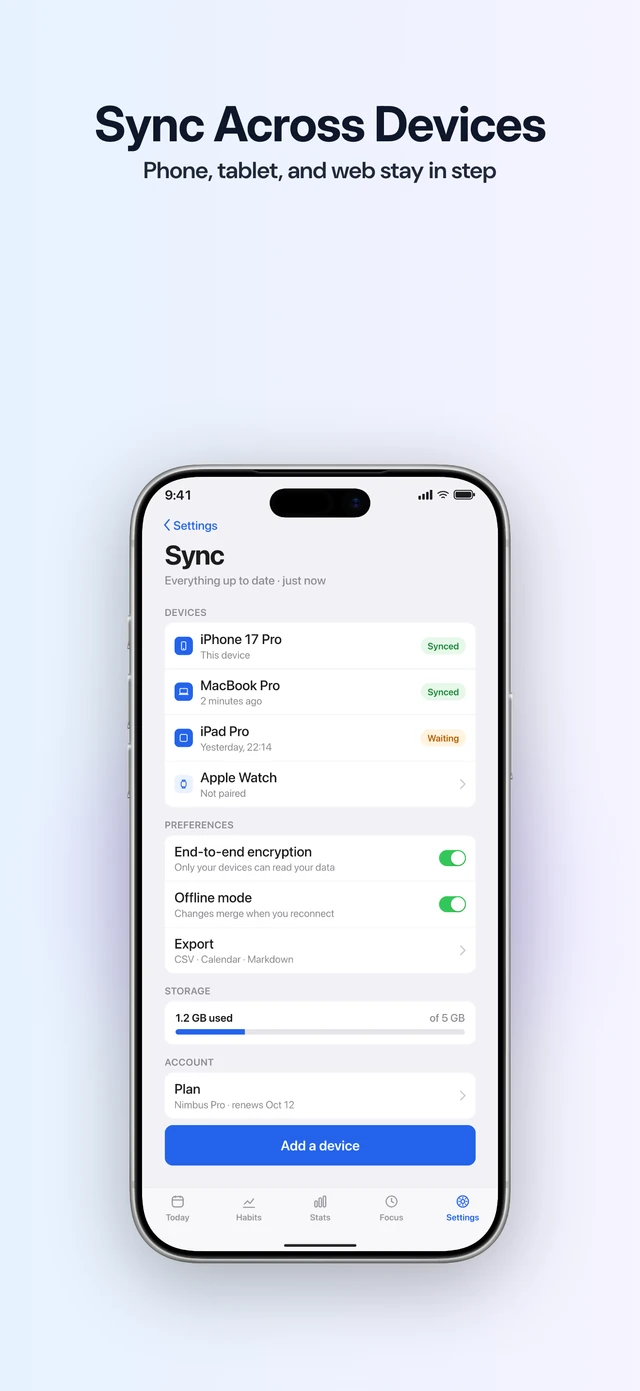
Before you export, it checks every slide for a phone frame on an iPad size, the wrong export size, a missing screenshot, and text that’s too small or too low in contrast. It exports both sizes Apple accepts for the 13-inch iPad.
The free plan covers one project with five slides, exported at the size you designed. Pro (the full editor) adds every export size for $79 a year. It also turns an iPad design into iPhone sizes, marked for you to review, or you can design the iPhone set as a second project. StoreStudio makes only the 13-inch iPad size, which is all Apple requires.
AppScreens
AppScreens covers every iPad size, including 11-inch and 10.5-inch, along with iPhone and Android. Pro uploads the finished set straight to App Store Connect and Google Play, and costs $99 a year. Choose it if you want each iPad size made separately rather than scaled by Apple. The free plan exports one five-screen project in essential iOS and Android sizes; previews of Pro-only features carry watermarks.
AppLaunchpad
AppLaunchpad resizes one design for every iOS and Android size, and Pro includes the latest iPhone and iPad devices. It costs $96 a year. If the app also ships on Android, it covers all three from one project.
Figma
Apple publishes iPad frames for Figma in its design resources, and the community has free App Store templates. That gives you full control over an iPad layout at no cost. You size, frame and export each set yourself, so it suits a team that already designs the app in Figma.
What to do today
- Take your iPad screenshots in the Simulator on the 13-inch iPad.
- Pick the screens that use the wider space well, such as split views and sidebars.
- Design the iPad set on its own, and reuse only the captions from your iPhone set.
Common questions
- Which iPad sizes does the App Store need?
- Apps that run on iPad need a 13-inch set, at 2064 x 2752 or 2048 x 2732 in portrait. Apple scales it down for smaller iPads.
- Can I reuse my iPhone screenshots on iPad?
- Not as they are. The proportions differ, so iPhone screenshots don't fit the iPad sizes. Each set needs its own layout, even when the captions are the same.
- Do I need iPhone screenshots too?
- Yes, if the app also runs on iPhone. Apple names the medium Dynamic Island iPhone display as required and documents scaling between classes when the interface is consistent. Keep a separate 13-inch iPad layout and check the available wells in App Store Connect.
Read next
Try StoreStudio free. No account and no watermark.
Open the editorSources for prices and features
AppScreens pricingappscreens.comread
AppLaunchpad pricingtheapplaunchpad.comread
Figma pricingfigma.comread