The best App Store screenshot generator for non-designers
Without a design background, the hard part is deciding what goes where and what each screenshot should say. Some tools make those decisions for you. Others give you a finished design and warn you when something goes wrong.
Do you want the tool to write your captions?
Yes. Use AppLaunchFlow. It lays out the set and writes the captions for you, for €99 a year.
No. Use StoreStudio. Its template packs are finished designs, and it checks every slide before you export. It's free to start, and $79 a year for every pack.
The five tools worth considering
- AppLaunchFlowLayout, captions and publishing done for youFree, or €99/yr
- Launch ShotsCaptions written for you, with a free tierFree, or $149/yr
- StoreStudioFinished templates and checks that catch mistakesFree, or $79/yr
- AppScreensAI captions and restyling on a large template libraryFree, or $99/yr
- AppLaunchpadThe largest template library for both storesFree, or $96/yr
AppLaunchFlow
AppLaunchFlow turns raw screenshots into a finished set with AI. It picks the layout, writes the captions and can publish straight to App Store Connect and Google Play. You review and adjust what it makes.
The free plan lets you build a set but only preview it. Store-sized exports need a Launch Pass at €9 for seven days, or Unlimited at €99 a year.
Launch Shots
Launch Shots writes a headline for each screenshot for you. It covers Google Play too, and publishes to both stores once you connect them. The free tier includes three AI generations a month and three languages. Unlimited costs $149 a year.
StoreStudio
StoreStudio starts you from a complete design instead of a blank canvas. Each template pack sets the fonts, colours and device frames, so you only add your screens and your words. The set below uses the Starter pack, which is part of the free plan.
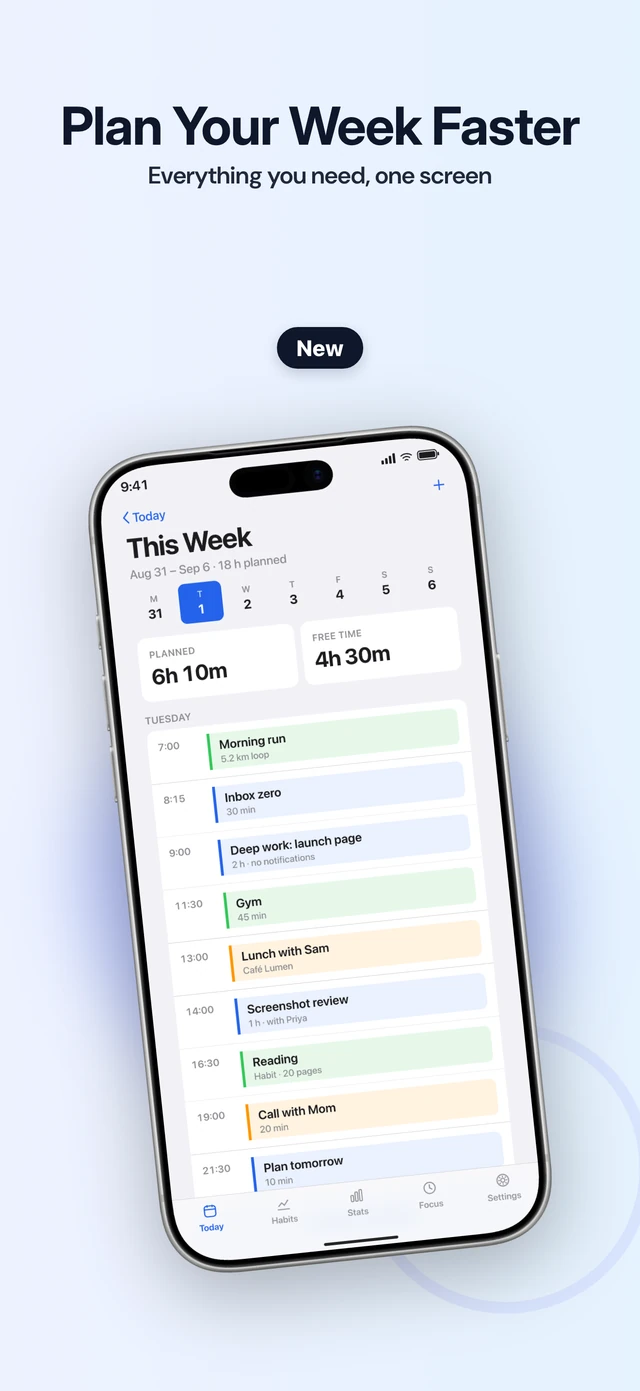
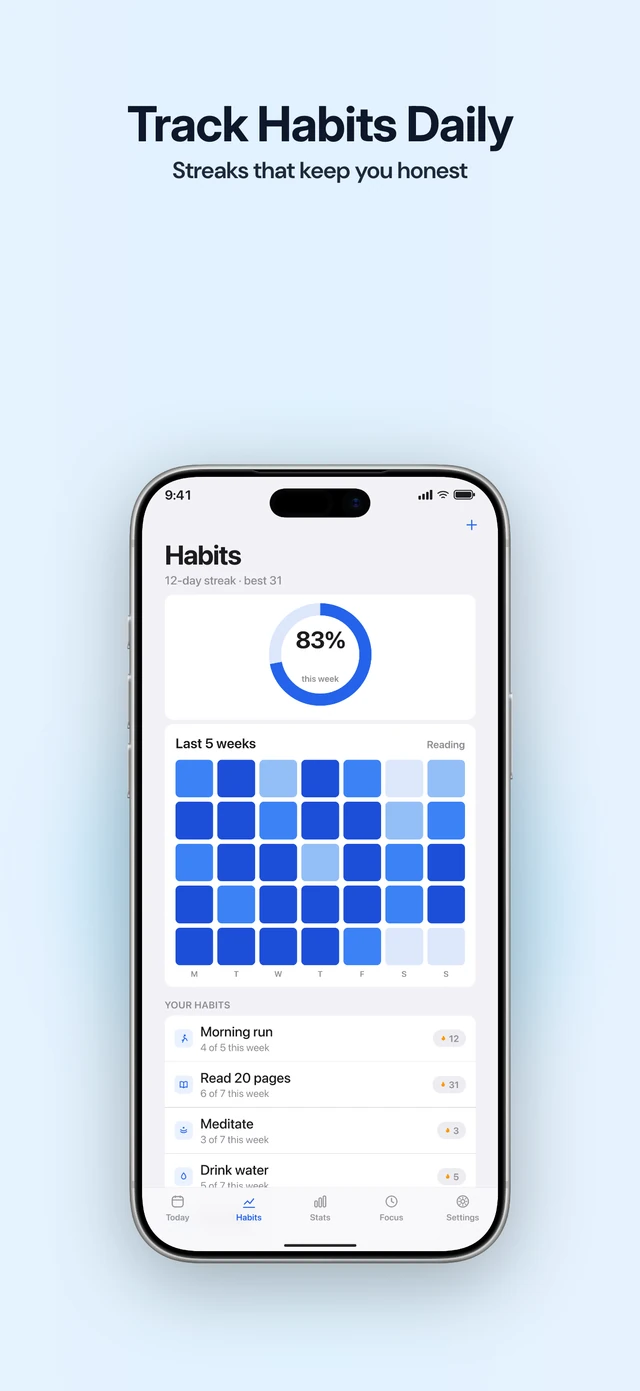
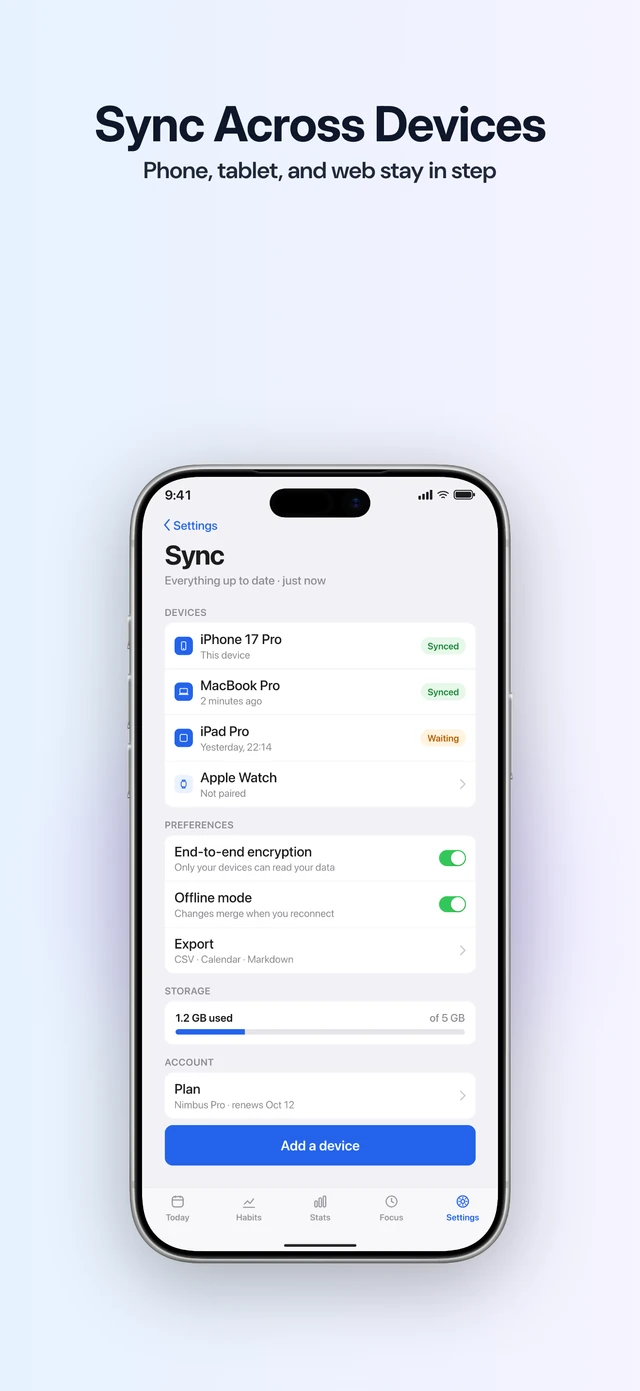
Before you export, it checks each slide for the mistakes that are easy to miss without a trained eye: text that’s too small or too low in contrast, a headline that runs long, a missing screenshot, the wrong device frame, or a slide that shows no real app screen.
What it doesn’t do is write. You still decide what each screenshot says. The free plan covers five slides in one language. Pro (the full editor) adds all seven template packs, custom fonts and 18 languages, for $79 a year.
AppScreens
AppScreens writes captions and restyles a set with AI, and has more than 150 templates. Pro also localizes into 80+ locales and uploads to both stores. It costs $99 a year.
AppLaunchpad
AppLaunchpad has more than 1,000 templates on Pro, so there’s almost always one close to what you need. It makes App Store and Google Play screenshots from one design and translates captions with AI. Pro costs $96 a year.
What to do today
- Take your screenshots in the Simulator on the largest iPhone.
- List the three things your app does best, in plain words.
- Try a free plan first, and keep the tool that needs the fewest changes from you.
Common questions
- What should a screenshot caption say?
- One benefit per screenshot, in a few words. Say what the screen lets someone do, not what the feature is called.
- Can a tool translate my captions?
- AppLaunchFlow, Launch Shots, AppScreens and AppLaunchpad can. StoreStudio can't: you type or import each language yourself, and it checks that every caption fits.
- Do I need a designer for my first set?
- No. A good template and one clear line per screenshot are enough for a first release. A designer earns their fee later, once you know which screenshots bring in downloads.
Read next
Try StoreStudio free. No account and no watermark.
Open the editorSources for prices and features
AppLaunchFlow pricingapplaunchflow.comread
Launch Shots pricinglaunchshots.comread
AppScreens pricingappscreens.comread
AppLaunchpad pricingtheapplaunchpad.comread